
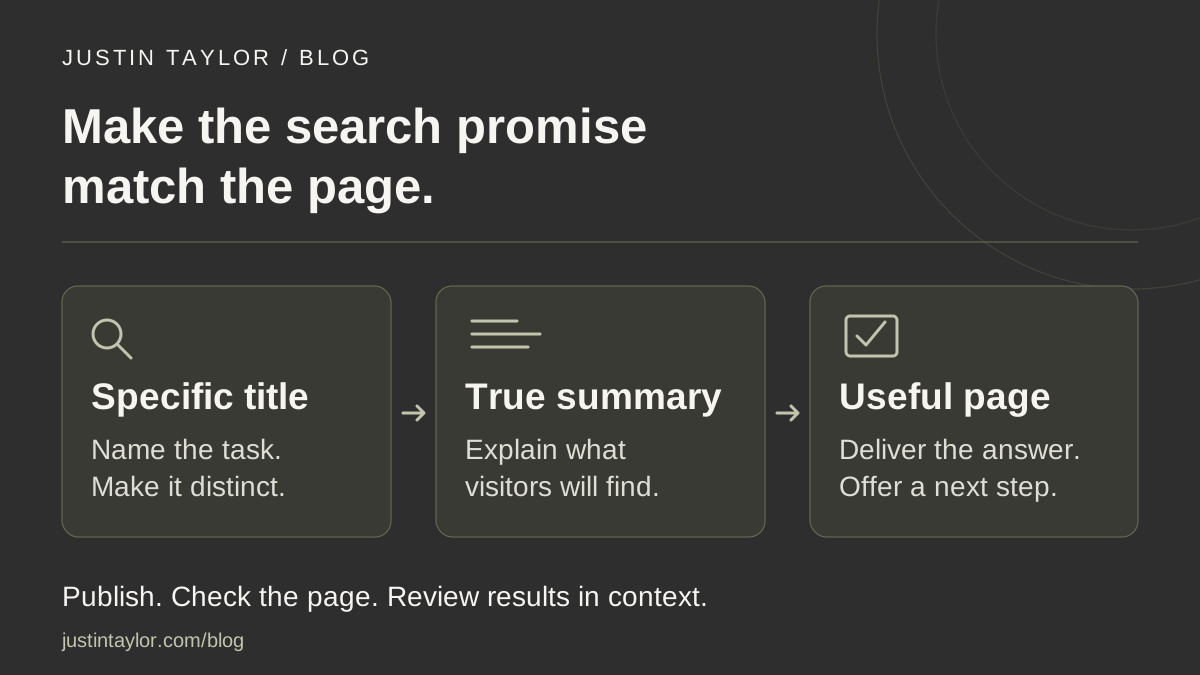
To improve a real estate page’s search title and description, start with the task that page helps someone complete. Write a distinct title that names the task, then a short summary of what the visitor will find. Check that the heading, opening paragraph and next step deliver on that promise before publishing the change.
Semrush’s SEO checklist, dated October 1, 2026, includes reviewing page titles and meta descriptions as part of ongoing website maintenance. For an agent or team, the useful application is a focused review of important pages. A seller guide, agent biography and consultation page should each communicate a different reason to visit.
Understand the fields you are editing
The title element is the page title stored in its HTML, often entered in a website editor’s SEO settings. The main heading is the prominent title visitors read on the page. The meta description is a separate summary supplied in the page’s HTML.
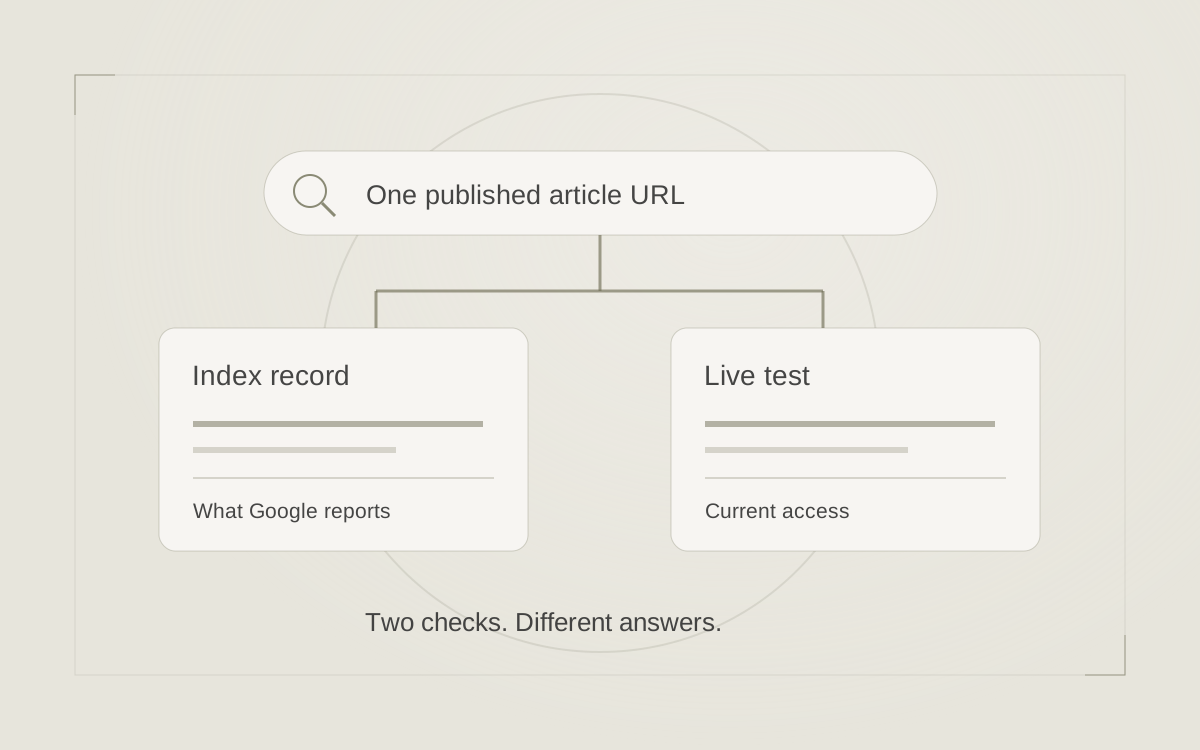
Those fields are inputs, not a fixed advertisement. Google generates search title links using several sources, including the title element and visible headings. It builds snippets mainly from page content and may use the meta description when that better describes the page. A snippet can change with the query. See Google’s guidance on title links and snippets.
When handing work to a provider, identify all three fields separately. “Please change the title” can otherwise produce a new heading while leaving the search settings untouched.
Choose a page with a clear business purpose
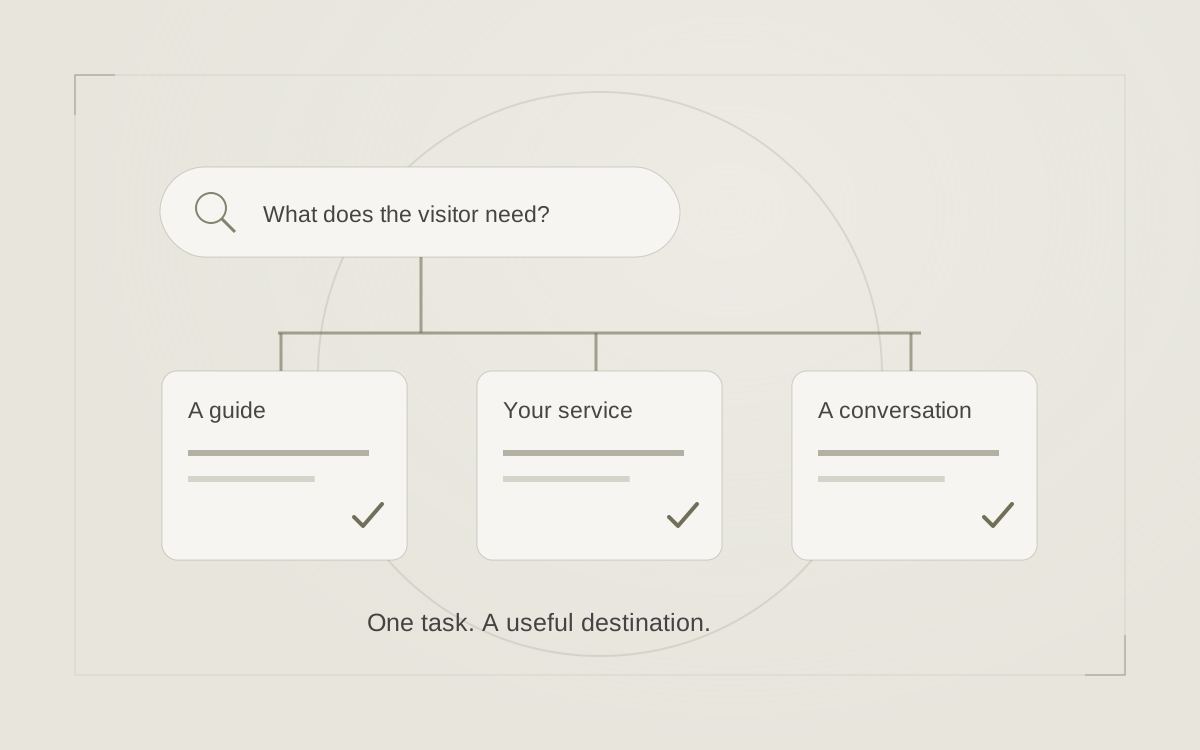
Start with a page you would genuinely want a prospective client to read: a useful seller resource, a detailed service page or your biography. Open it on a phone and answer one question: what can someone do or understand after reading this?
For a page that already receives search impressions, use Search Console’s Performance report. Open Pages, select the page to filter the report, then switch to Queries. Look for the wording people use to reach that URL. Google documents table-row filtering and comparisons; filtered query data is not a complete list of every search.
A seller checklist appearing for preparation questions has a useful starting point. A general biography appearing for unrelated property searches needs a closer look at page purpose. Use the real estate search intent guide to work through that mismatch before rewriting metadata.
Write a title that makes the destination specific
Google recommends concise, descriptive titles and avoiding repetitive boilerplate or keyword stuffing. It does not impose a fixed title character limit; display truncation depends on factors such as device width. Put the useful subject early and add your name or brand only where it helps identify the source.
The examples below are hypothetical writing options, not tested ranking claims. Replace bracketed details with accurate information and choose a title only if the page supports it.
| Vague starting title | A more specific option | The page needs to deliver |
|---|---|---|
| Seller Resources | [Brand] | What to Bring to a Listing Consultation | [Brand] | A practical preparation checklist and an explanation of the meeting |
| About | [Brand] | Meet [Agent Name], [Actual Role] in [City] | A current biography, relevant experience and a clear contact path |
| Home Buying Tips | [Brand] | Compare Homes After a Showing: A Notes Checklist | A usable method for recording observations and comparing properties |
These are changes in specificity, not instructions to rename every resource page. An overview containing several seller resources may need to remain an overview. Give its individual consultation guide the narrower title. Likewise, include a city because it matters to the content, not because every page needs a location keyword.
Describe what someone will actually find
A meta description should give a useful, accurate summary. Google recommends distinct descriptions for different pages and does not specify a maximum length; snippets may be shortened to fit the display. Use an editor’s preview as a writing aid, then review the sentence for clarity.
For the hypothetical consultation guide, a description could read:
Prepare for a listing consultation with a checklist of property details, questions and priorities to organize before meeting your agent.
That summary identifies the audience, the resource and its use. Compare it with “Your trusted real estate expert for all your buying and selling needs,” which gives little reason to choose this particular page.
A lender’s educational page could use the same approach: describe the document checklist or process explanation it actually contains. Avoid adding a promise such as instant approval, guaranteed savings or a free downloadable resource unless the destination accurately supports that statement. A stronger invitation starts with a real deliverable.
Read the page against the new promise
After drafting the fields, temporarily set them aside and read the page as a new visitor. Does the main heading identify the same subject? Does the opening explain who the resource is for? Can someone find the promised checklist without navigating through unrelated material?
For example, a page titled “Compare Homes After a Showing” should help buyers organize observations. It might offer a simple table for condition, questions to investigate and follow-up items. If it contains only an invitation to contact an agent, the work is unfinished even if the description sounds excellent.
Check the next step too. A preparation guide could link to the consultation process or an appointment page. An agent biography could lead to a relevant service and contact option. Keep the invitation connected to what the visitor just read.
Give your website provider a complete handoff
Use one record per page. This makes review easier and reduces the chance of applying the same metadata across several unrelated URLs.
- Exact URL: paste the current published address.
- Purpose: state the visitor’s task in one sentence.
- Current and proposed fields: record the title element and meta description separately.
- Visible content: list any heading, opening paragraph or resource changes needed to support the promise.
- Owner and date: name who will publish and who will check the live result.
Ask the provider to check the published HTML and visible page, including whether the website system automatically adds a brand suffix. Keep the existing URL when the page’s purpose has not changed; a metadata edit alone does not require a new address.
Google must recrawl and reprocess changes, which can take days to weeks. An alternative search title is not, by itself, proof of a technical fault. Compare it with the page’s current wording. If you suspect an indexing problem, use the separate blog indexing checklist.
Review results without treating every click as proof
Record the publication date and allow time for meaningful observations. In Search Console, keep the page and other filters consistent and compare equivalent periods. Review clicks, impressions, click-through rate and position alongside the queries involved.
Google’s Performance report guidance identifies low click-through rate as a reason to examine titles, descriptions and relevance. It also cautions that changes in performance can have multiple causes. Seasonality, competing results and a different query mix complicate comparisons.
For your own review, add a short note about what changed on the page and what you observed afterward. A few impressions are not enough to judge a rewrite. A higher click-through rate is also incomplete evidence if visitors arrive expecting a resource you do not provide.
The practical goal is a coherent path: a relevant search, a clear reason to click and a page that helps. If important pages lack that connection, explore Justin’s SEO and search strategy support or connect with Justin to discuss where a focused review would be most useful.
Sources & further reading
Platform guidance and research referenced in this article. Reviewed October 21, 2026.
- Semrush: Ultimate SEO checklist: 43 tips to optimize your website — October 1, 2026
- Google Search Central: Influencing your title links in search results
- Google Search Central: Control your snippets in search results
- Google Search Console Help: Advanced filtering and comparison
- Google Search Console Help: Performance report common tasks and use cases

Growth & Strategy Manager at Inspire Title Team | WFG Title. Marketing and AI guidance for real estate professionals.