
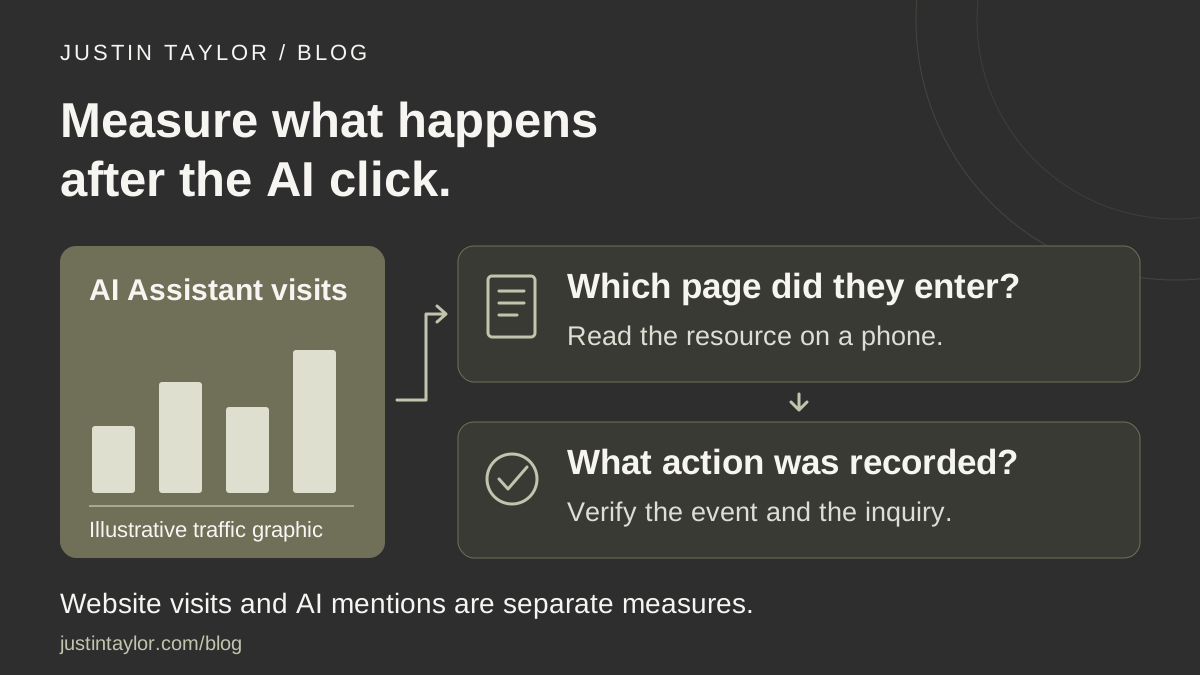
To measure visits from AI assistants to your real estate website, start with Google Analytics 4’s AI Assistant channel. Review which pages those visitors enter, then check whether they complete a useful action, such as a genuine consultation request. Keep these website visits separate from mentions of your business inside AI answers.
Semrush’s AI visibility dashboard guide, published October 12, 2026, brings different measurements together while keeping their meanings distinct. An agent can apply that principle without building a large dashboard: maintain a small record of observed AI visibility, measured website visits and actual inquiries.
This guide focuses on the website-visit part. It assumes your site already collects appropriate GA4 data and you can view its reports. If you do not have that setup, ask your website provider to confirm the property, data collection and event configuration first.
Understand what the AI Assistant channel includes
Google’s current default channel definitions include an AI Assistant category for traffic from recognized assistants. When a referrer matches Google’s list, Analytics assigns the medium ai-assistant and campaign (ai-assistant).
Google explicitly excludes its AI Overviews and AI Mode from that channel. Their non-ad search traffic falls under Organic Search. An AI Assistant total therefore does not represent every visit influenced by an AI experience.
It also does not count every answer mentioning your name. Someone can read an answer without clicking through to your site. If your question is whether an assistant identifies you correctly, use the separate AI visibility audit for real estate agents. Analytics answers a different question: what recorded activity reached the website?
Open a report you can repeat next month
Choose one GA4 property and a complete reporting period, such as the previous calendar month. Record those choices before comparing results. An unfinished week and a full month are different measurement windows.
- In Google Analytics, open Reports → Acquisition → Traffic acquisition.
- Use the table’s dimension selector to view Session default channel group.
- Find the AI Assistant row and review its sessions and engagement alongside the other channels.
- Record the date range and any filters applied so you can reproduce the view.
Google’s Traffic acquisition documentation explains the report and its session-based dimensions. It includes visits from new and returning users. If the report is absent from your navigation, an Editor or Administrator can restore it.
If no AI Assistant row appears, record that observation rather than assuming the site is broken or that no one has encountered your business through AI. Confirm that other traffic is being collected and that the selected property and period are correct before drawing conclusions.
See which pages those visitors entered
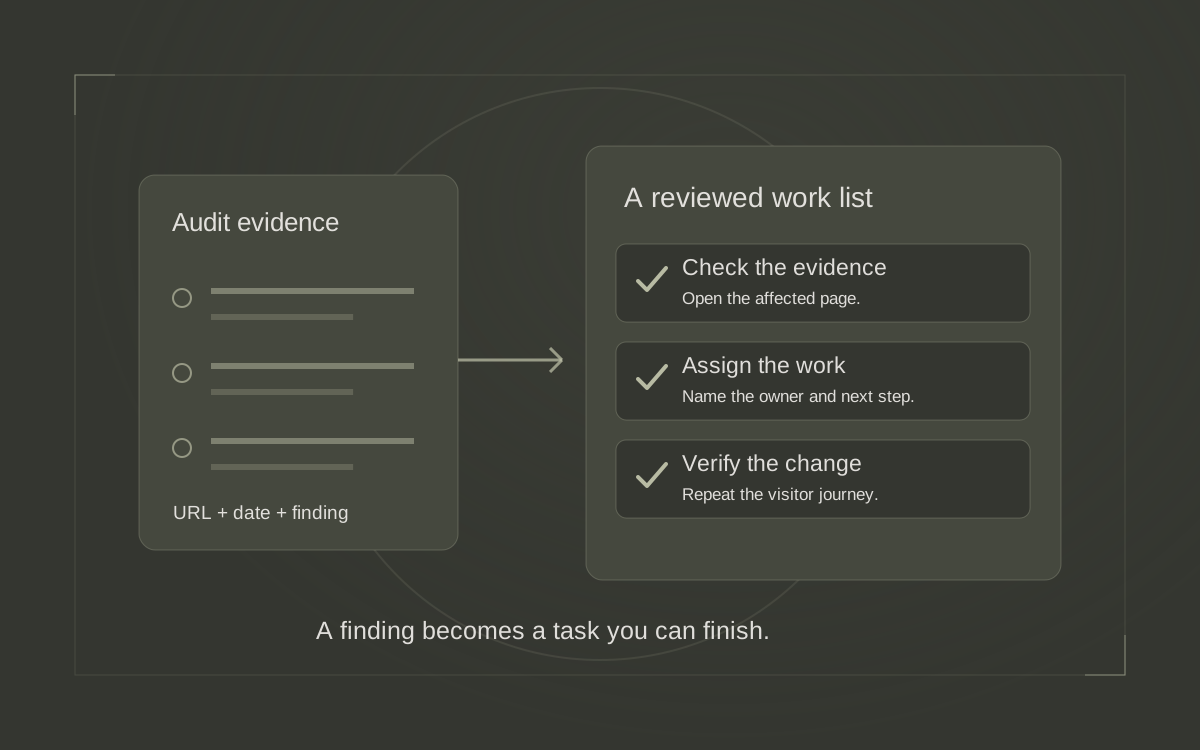
A channel total tells you little about what to improve. A seller-preparation article and a general homepage present different opportunities. Identify the entry pages so you can review the experience each visitor was offered.
Open Reports → Engagement → Landing page. This report shows the first page viewed in a session. Google also documents adding Session source / medium as a secondary dimension to see the sources associated with each entry page. See the Landing page report instructions.
To narrow that report to the channel, choose + Add filter, select Session default channel group, choose Exactly matches, select AI Assistant and apply. Google’s report-filter instructions note that available dimensions and values depend on the data and report compatibility. If the value is unavailable, ask the account owner to inspect the setup rather than substituting an unrelated filter.
Take the leading entry pages and open them on your phone. Does the first screen explain the subject? Is the promised resource available? Can someone find your name, services and a sensible next step? Those checks turn a report into a practical content decision.
Define a meaningful action before counting leads
A page view, a click on a contact button and a successfully submitted inquiry are different actions. Decide which one you want the report to measure and name it accurately.
In GA4, a key event is a collected event designated as important to the business. It needs to be measured and marked; the label alone does not establish a qualified lead. Reports let you select a particular key event instead of combining every configured event. Google explains this in About key events.
For an agent’s consultation form, ask the provider to verify what triggers the event. A useful acceptance test is that an accepted submission records the intended action, while an empty form or failed submission does not. Check for duplicate firing as part of that test.
Google lists generate_lead as a recommended event for a form submission or request for information. Recommended events require implementation and are not automatically sent merely because a form exists. Use the recommended-events documentation when discussing setup with your provider.
Keep qualification in your normal inquiry review. A submitted form could be a vendor pitch, an irrelevant request or a potential client. The analytics event confirms a measured action; the team determines what that conversation means.
Turn a small report into a useful decision
Use the following hypothetical examples to interpret what you see. They are possible review situations, not results from Justin’s website or promises about AI traffic.
| Observation | What to check | Useful next step |
|---|---|---|
| AI Assistant visits enter a seller checklist. | Whether the checklist answers its stated question and offers a relevant consultation link. | Clarify a missing explanation or repair the next-step link. |
| Visitors read a relocation guide, but no inquiries are recorded. | Whether the inquiry event works and whether contacting you makes sense at that stage. | Verify measurement, then review the invitation in context. |
| A small number of visits includes an inquiry. | Whether the submission is genuine and relevant to your services. | Record the outcome without projecting a dependable lead rate. |
A brokerage leader could assign the first check to the guide’s author and the second to the website provider. A lender might review a preparation resource and its appointment path. The report should identify a page and a question someone can investigate.
Keep the limits visible in your reporting
GA4’s (direct) / (none) classification means it lacks a clear referral source. Google documents several possible causes, including missing traffic information and direct access. Do not relabel that traffic as AI based on a guess. See Google’s explanation of direct traffic.
Similarly, an engaged session does not establish buying intent, and a source label does not tell you the exact question a visitor asked an assistant. Ask new contacts how they found you when that fits the conversation, and keep their answer separate from the analytics classification.
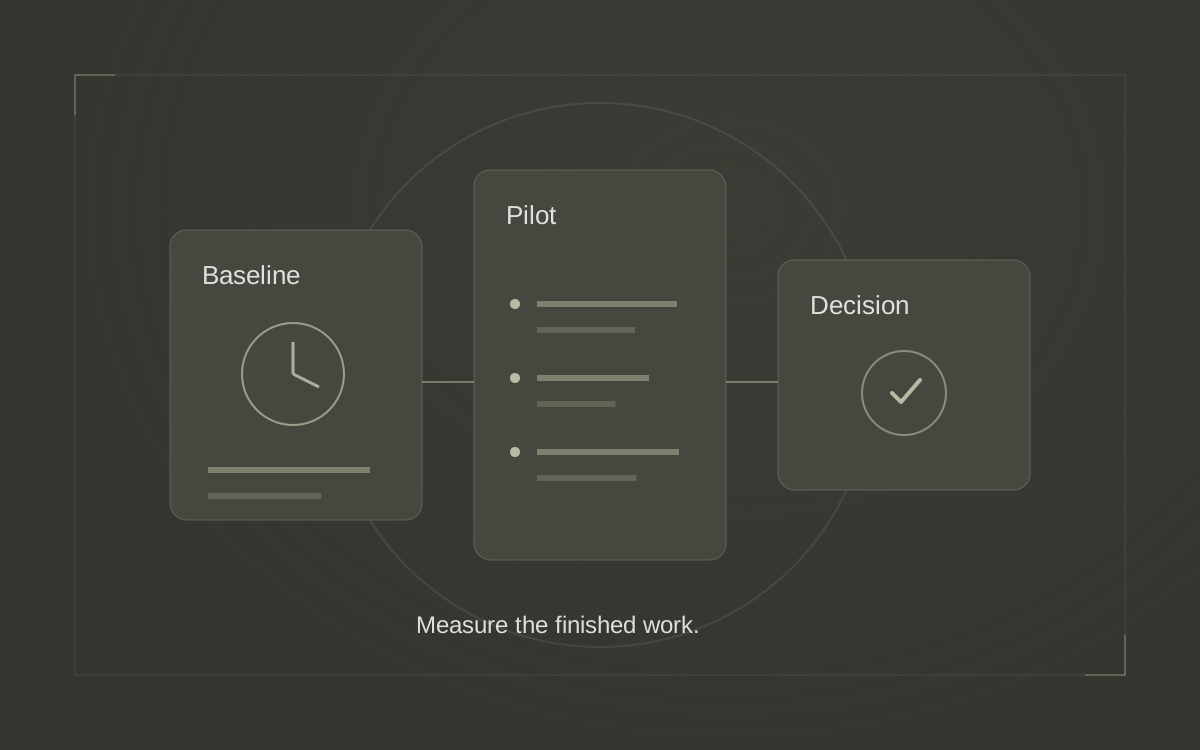
For monthly review, save the reporting period, channel, entry page, sessions, selected key event and a short interpretation. Note changes to event setup or reporting rules before comparing periods. Keep small counts visible rather than presenting a dramatic percentage on its own.
Finish with one action: improve an answer, make a resource easier to use, verify an event or leave a useful page alone while collecting more evidence. For help connecting AI discovery to practical marketing decisions, explore Justin’s AI training or start a conversation about your team’s next review.
Sources & further reading
Platform guidance and research referenced in this article. Reviewed October 22, 2026.
- Semrush: How to build an AI visibility dashboard with Semrush — October 12, 2026
- Google Analytics Help: Default channel group
- Google Analytics Help: Traffic acquisition report
- Google Analytics Help: Landing page report
- Google Analytics Help: Apply filters to detail reports
- Google Analytics Help: About key events
- Google Analytics Help: Recommended events
- Google Analytics Help: Understand (direct) / (none) traffic

Growth & Strategy Manager at Inspire Title Team | WFG Title. Marketing and AI guidance for real estate professionals.