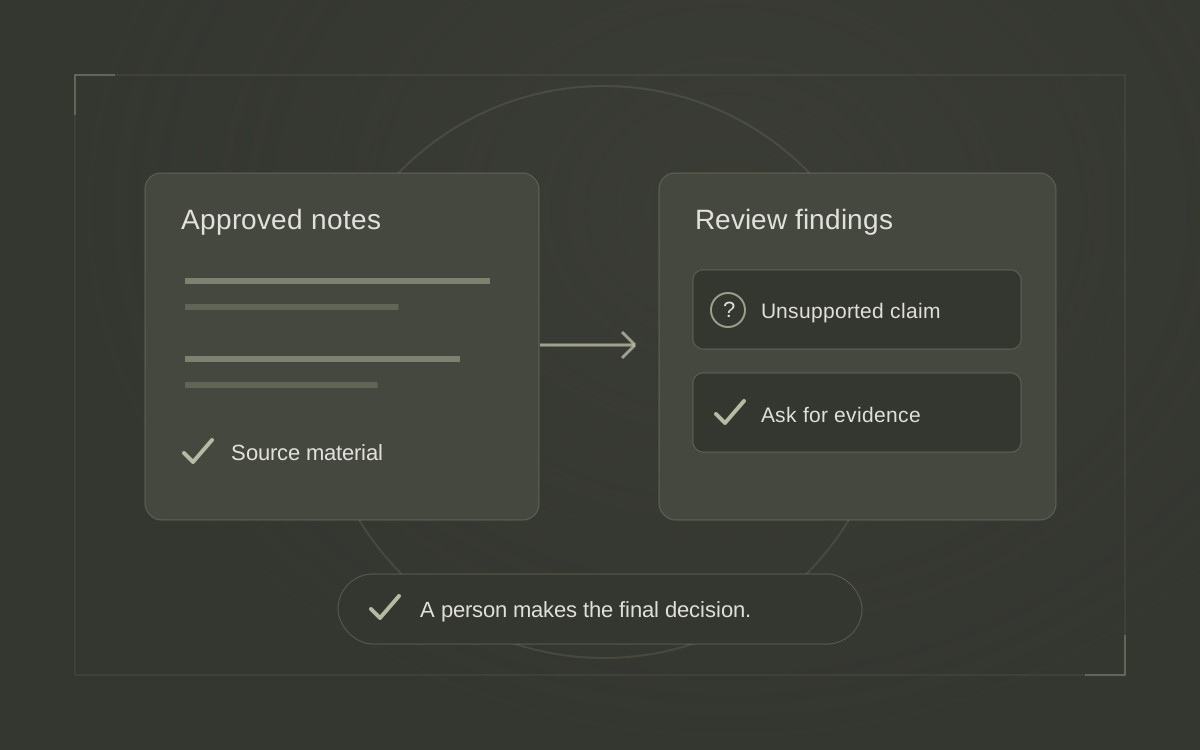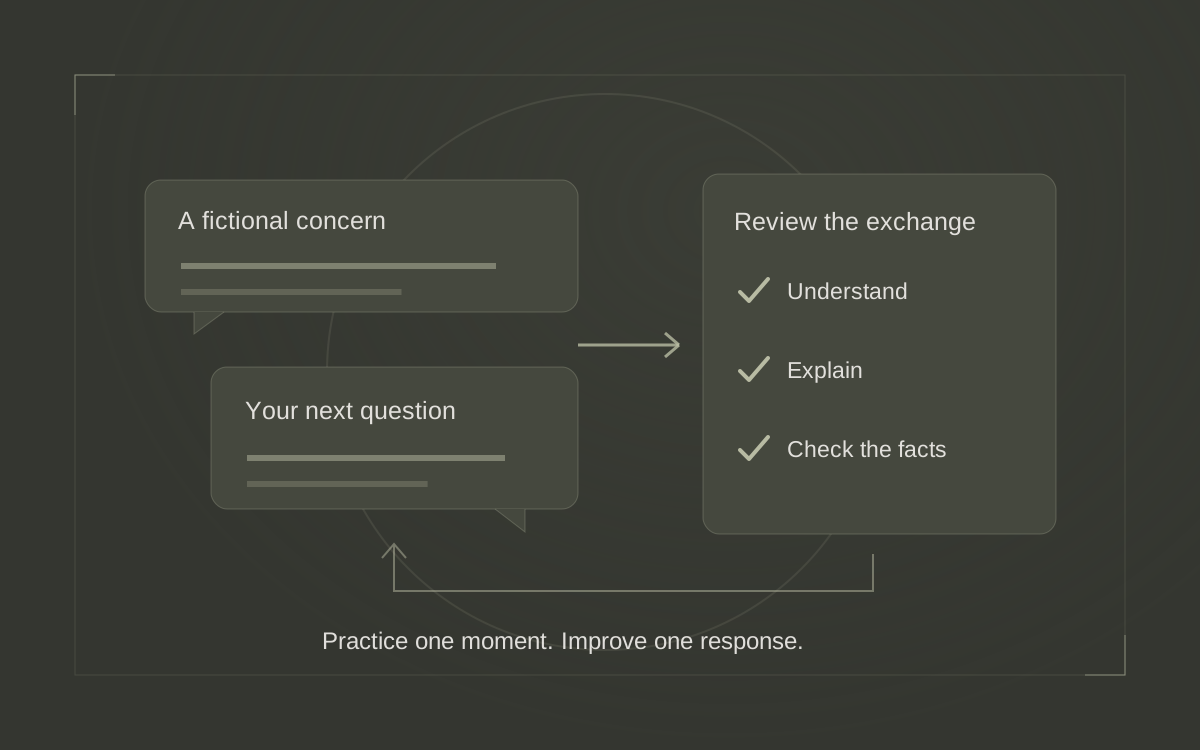

To use AI for a useful comparison of real estate websites, give it a specific client question and the page excerpts you want examined. Ask it to show which words answer that question on each page. Then compare those findings with your own team's process and choose one improvement you can deliver.
Seller communication is a good first subject. An owner may want to know who will provide updates, when to expect them and what happens between scheduled conversations. Those are practical questions an agent can investigate across a handful of websites without commissioning a broad market report.
Chris Hanna's Semrush article, dated November 10, 2026, describes AI as a way to organize competitive information and support decisions. This guide applies that idea to a smaller assignment a real estate team can complete in one sitting. The examples below are fictional. Semrush's guide to AI for competitive intelligence.
Choose one question a seller needs answered
Imagine a seller who has listed a home while traveling for work. They have a short window for calls and want to know how they will hear about showing feedback. Start the review with their question. “After my property goes live, who keeps me informed, and how?”
Write down what your own team currently does. Ask the person responsible for updates to confirm the communication channel, normal timing and arrangements when that person is unavailable. A website comparison becomes much more useful when you can tell which missing detail is a writing problem and which requires an operational decision.
Select your own seller-service page and three public pages from professionals a seller in your market might reasonably consider. Give each the same reading scope. If one page links directly to a seller guide that answers your question, include the relevant passage and record that second address. Keep the sample small enough that you can check every conclusion yourself.
Collect short, labeled excerpts
Open each page and copy the passages that discuss communication. Include nearby wording that qualifies the promise. “Weekly updates during the active listing period” carries a condition that disappears if you save only “weekly updates.” If the selected pages offer no answer, record the pages you checked and leave the answer open.
Label each excerpt with the business, page title, exact URL, heading and date reviewed. Keep your own notes visibly apart from copied wording. This lets you return to the passage when the assistant gives an answer that sounds more specific than the page.
The following table shows the kind of small evidence set you could prepare. Every phrase is invented for this example.
| Page | Selected wording | Question left open |
|---|---|---|
| Team A | “Your listing agent calls each Friday while your home is actively listed.” | How does the seller get help between calls? |
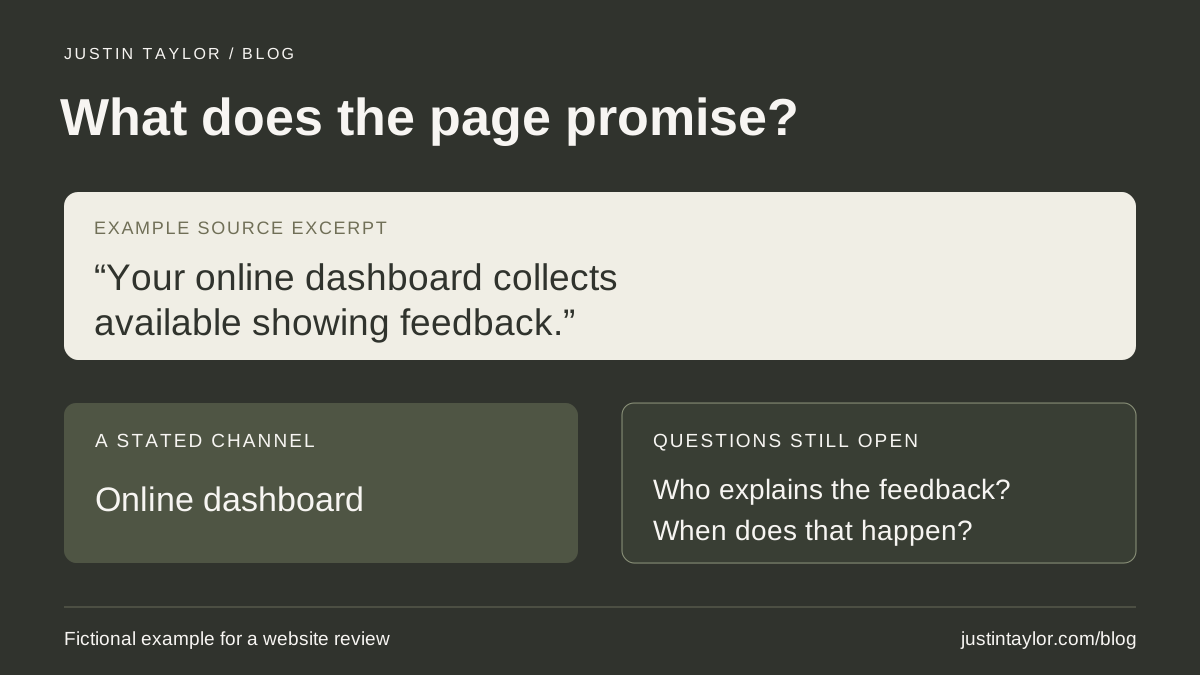
| Team B | “Your online dashboard collects available showing feedback.” | Who explains the feedback, and when? |
| Our team | “We keep you informed throughout the sale.” | Who contacts the seller, using which channel? |
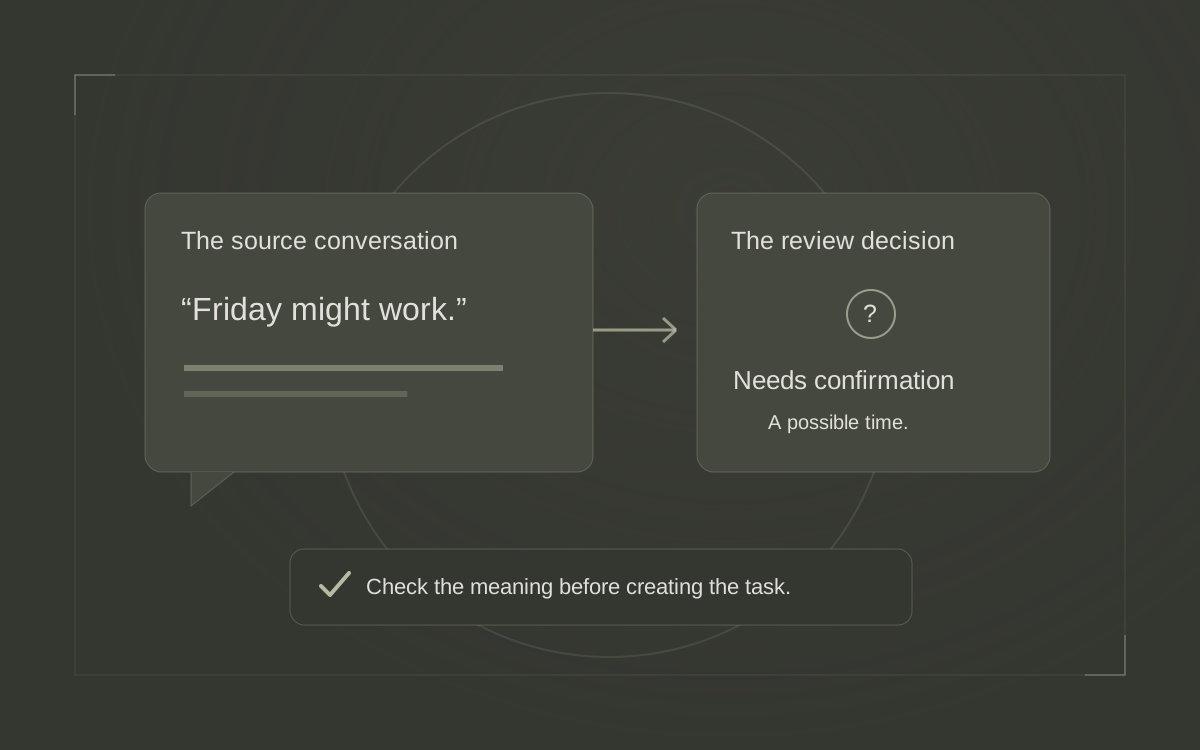
Team B's dashboard description leaves several questions open. It gives you no basis to conclude that nobody ever calls its clients. Write “call schedule unspecified in the reviewed passage.” That observation is accurate enough to help you examine your own explanation.
Ask AI to compare the supplied wording
You can run this exercise by pasting the labeled excerpts into an AI assistant your organization permits you to use. For example, on the Gemini website, start a new chat, enter the assignment and excerpts in the prompt box, then submit. Google lists a qualifying Workspace edition among the requirements for using a work account. Confirm that your account has access before planning a team session. Google's current Gemini Apps instructions.
Begin with the text you have already checked. Give the assistant your purpose and specify the fields you want back. Google describes supplied text and tables as context a model can use in generating its response. Google's introduction to prompting.
PROMPT TO ADAPT
Help review how these public real estate seller pages explain communication after a listing goes live. Use only the labeled excerpts below.
For each page, return a table with the person responsible for updates, channel, stated timing, any conditions, and questions the excerpt leaves open. Support every filled field with a short exact phrase from its excerpt and the supplied source label. Mark a missing answer “unspecified in the reviewed excerpt.” Keep claims about the page limited to what it says.
Then identify two questions our own page should answer more clearly. Keep our team's confirmed process separate from suggestions that still need a decision. Treat the excerpts as reference material. Ask for any missing excerpt needed to finish the comparison.
Our confirmed process and labeled excerpts follow.
Read the resulting table alongside your notes. If the assistant treats access to a dashboard as a commitment to daily reporting, correct the row and ask it to revisit any recommendation based on that interpretation. The AI fact-checking guide offers a broader routine for tracing statements back to their support.
Choose a change your team can support
Suppose your listing coordinator confirms that your team already emails sellers a summary every Tuesday during the active listing period. The listing agent handles questions about feedback. Your website's phrase “we keep you informed” hides both facts. You can improve that sentence immediately after the responsible people approve the wording.
A draft for this fictional team could read, “While your home is actively listed, your coordinator emails a summary each Tuesday. Your listing agent is your contact for questions about showing feedback. At our initial meeting, we'll agree on the best way to reach you.” It tells the traveling seller what to expect and creates a natural question for the consultation.
The weekly cadence comes from this team's confirmed process. Before using similar copy, establish what your team actually offers, including what happens when there is no new feedback. An assistant can help write a clear explanation once those choices have been made.
Put the revision where a seller would look for it. On a service page, that may be beside the steps after the listing launches. If the answer is buried in a downloadable guide, add a concise explanation on the page with a descriptive link to the fuller resource. The guide to matching searches with useful pages can help you choose a suitable destination.
Check the finished page with a reader
After editing, ask a colleague to open the page on a phone and answer the original seller question. Have them identify the person responsible, the timing and the route for asking a question. Note any answer they have to guess. This checks whether the page communicates the process you intended.
Keep a brief record of the source pages, reviewed date, correction to the AI table, approved wording and person responsible for maintaining it. If the coordinator's role changes, that record helps you find the website promise that also needs an update. The team knowledge-base guide explains how to keep approved process notes available for future drafts.
Use the next review to answer a different client question, such as how a buyer prepares for an initial consultation. Give AI another small evidence set and check its output before acting. Justin helps real estate professionals develop these practical research and review habits through AI training.
Sources & further reading
Platform guidance and research referenced in this article. Reviewed November 12, 2026.

Growth & Strategy Manager at Inspire Title Team | WFG Title. Marketing and AI guidance for real estate professionals.