
If a report says your real estate website has lost rankings, first confirm what changed: the tracked keyword, the reporting settings, the pages receiving search visits and the inquiries reaching your business. An unexpected position number deserves investigation. It does not, by itself, tell you which page to rewrite.
Start with one affected page and a comparable period in Google Search Console. Then decide whether the evidence calls for a reporting correction, a technical repair, an editorial improvement or continued observation. This sequence gives an agent, team or brokerage a useful brief to discuss with its website provider.
The timing matters. In its October 27, 2026 update on ranking data, Semrush described cases where automated search requests returned results that differed from typical user results. It outlined additional validation work and advised checking unusual movements against first-party data such as Search Console. That is a reason to corroborate a surprising report, not evidence that every decline is a measurement problem.
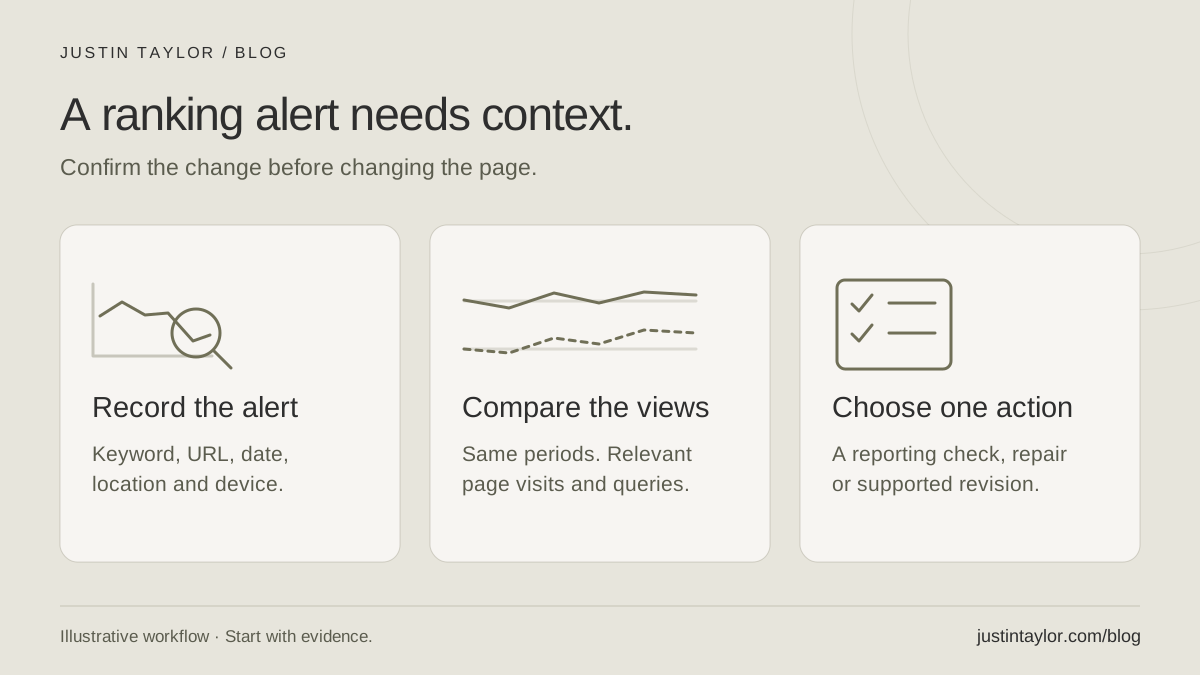
Write down the observation before the explanation
Replace “our SEO is down” with a specific statement: which tool reported the change, which search phrase was tracked, what location and device were selected, which URL appeared and when the change began. Save the report with those settings visible. If an agency supplied the report, ask it to identify the affected pages.
For example, a hypothetical team might receive an alert about “listing agent in Mesa.” Before changing its seller page, it should confirm that the comparison uses the same search location, device and result type. A website result, a map listing and a sponsored result represent different observations.
Also record recent business and website changes: a new domain, a renamed page, a provider migration, revised services or a removed resource. These are investigation leads, not conclusions. Keep a blank space for “cause not yet established” so an early guess does not become the accepted explanation.
Compare the affected page in Search Console
You need access to the website’s verified Search Console property. Google’s Performance report documentation explains the available metrics and views. Begin with clicks and impressions; add average position and click-through rate for context. The newest data can still be preliminary.
- Open the website property and its Performance or Search results report.
- Keep the search type consistent. For an ordinary website-search comparison, use Web.
- Open the date filter, choose Compare, select equal periods and apply the comparison. One practical starting point is two completed 28-day periods, excluding preliminary days.
- Open Pages and select the affected URL. Then open Queries to review the searches associated with that page.
- Record any country or device filters. Keep them identical when returning to the report.
Google’s filtering and comparison guide documents those controls. Selecting a table row applies a filter; remove the page filter before returning to a sitewide review. Save the comparison settings with your notes so someone else can reproduce the view.
For a newer or lightly visited site, use a longer available period if the short comparison contains too little information. Twenty-eight days is a working choice, not a deadline for SEO results. If the website has no previous-year history, record that limitation rather than filling the gap with estimates.
Separate visibility, visits and business outcomes
Average position combines observations across searches. It is not a fixed place that every prospect sees. Google’s metric definitions explain that position is based on the topmost result and averaged across recorded impressions. A changing mix of searches can therefore change the average.
Consider a fictional seller-preparation guide that begins appearing for additional, broader questions at lower positions. Its average position could worsen while its useful search visits increase. The headline number alone would miss that context. Review the relevant queries and page together before labeling the change a loss.
Read raw counts alongside percentages. In a hypothetical small sample, a fall from four clicks to two is a 50% decline, but the absolute difference is two visits. That observation is too limited to support a sweeping conclusion about the team’s marketing.
Search visits also differ from qualified inquiries. Review the actual conversations, contact requests and appointments your team records, with their known source where available. Leave attribution unknown when you cannot establish it. A quiet week in the inbox cannot identify a search-ranking cause on its own.
Expect some reporting differences. Google’s data-discrepancy guidance notes that query privacy, processing and time zones can affect comparisons. Standard daily Search Console reporting uses Pacific Time; another business system may use a different zone. Missing query rows are not proof that the searches never happened.
Choose the next check from the pattern
Google’s traffic-drop troubleshooting guide recommends examining the timing and whether a decline affects the whole site or particular pages. It also addresses seasonality and changing interest. Use those distinctions to narrow the work, then check the actual page.
| Pattern you observe | Next check | Useful evidence to save |
|---|---|---|
| A rank alert with no matching decline in relevant page clicks | Confirm the tool’s settings and ask the provider to review the observation. | Keyword, location, device, URL and dated report. |
| Several important pages lose search visits after a site change | Ask the website provider to investigate access, indexing and changed routes. | Change date, affected URLs and Search Console comparison. |
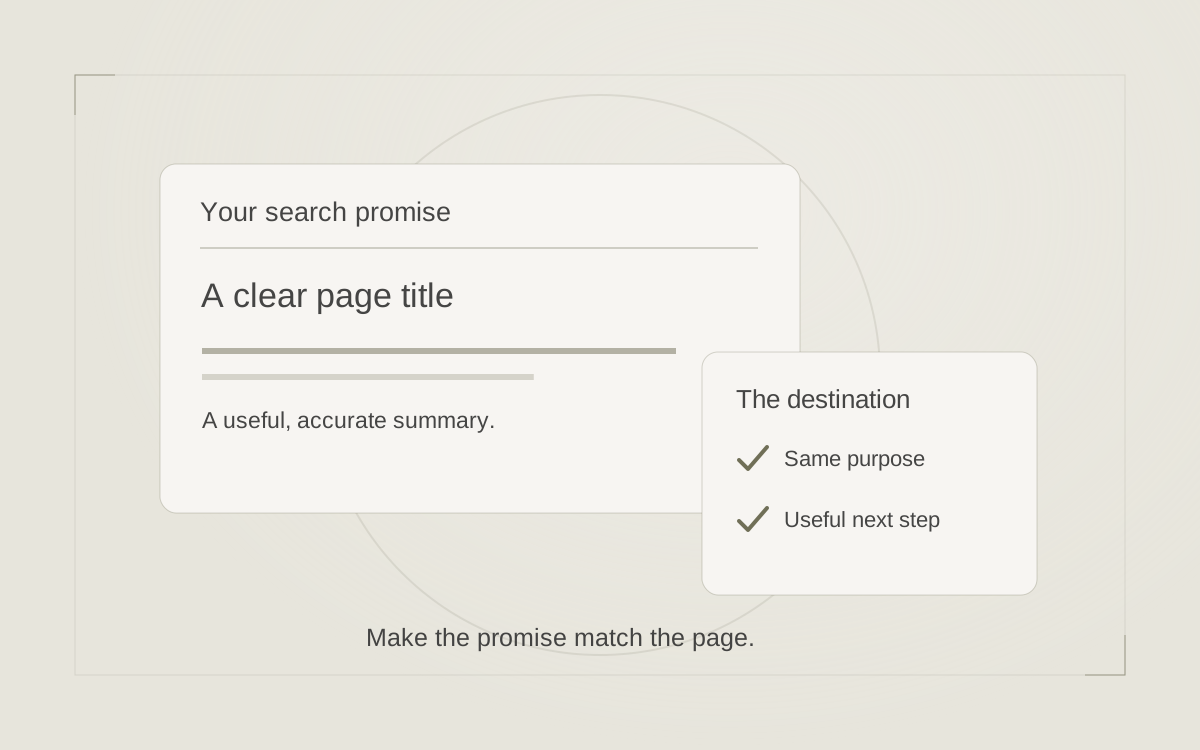
| One page shows a sustained decline for relevant questions | Review whether its answer, title and next step still match the reader’s task. | The page, query examples and an editorial note. |
| Search visits look steady but fewer inquiries are recorded | Test the contact path and review how inquiries are captured and classified. | Form-test result and a record of any tracking changes. |
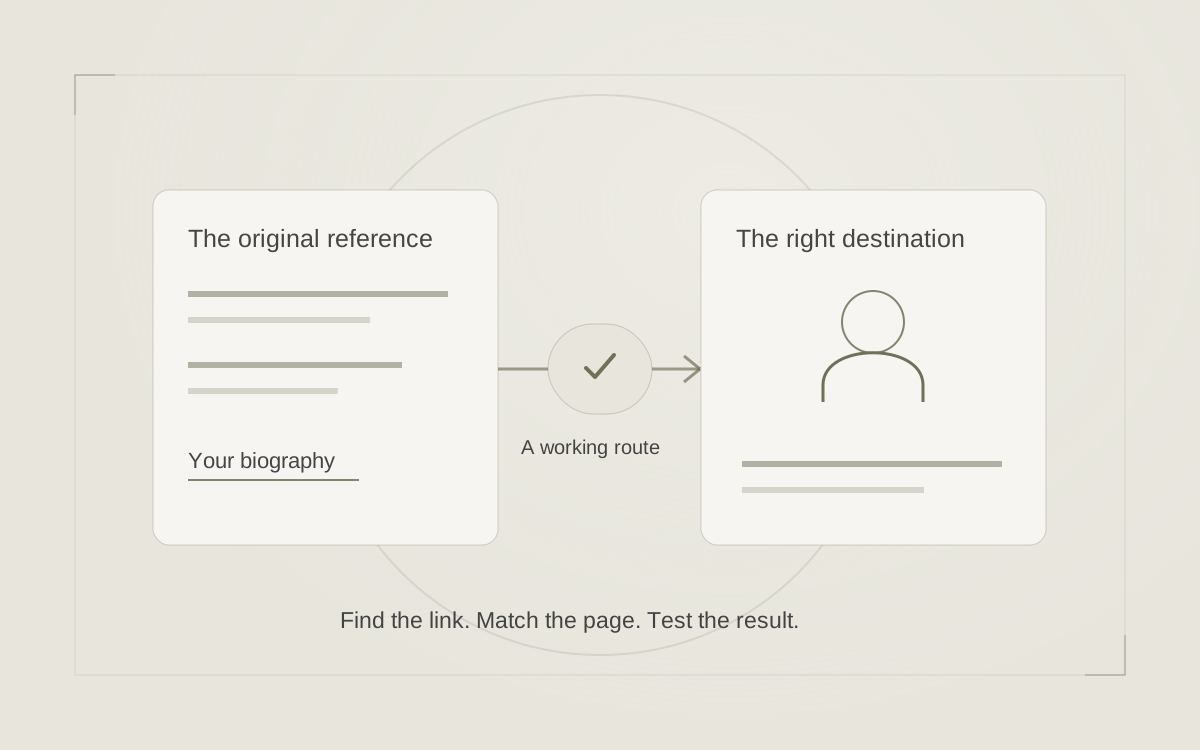
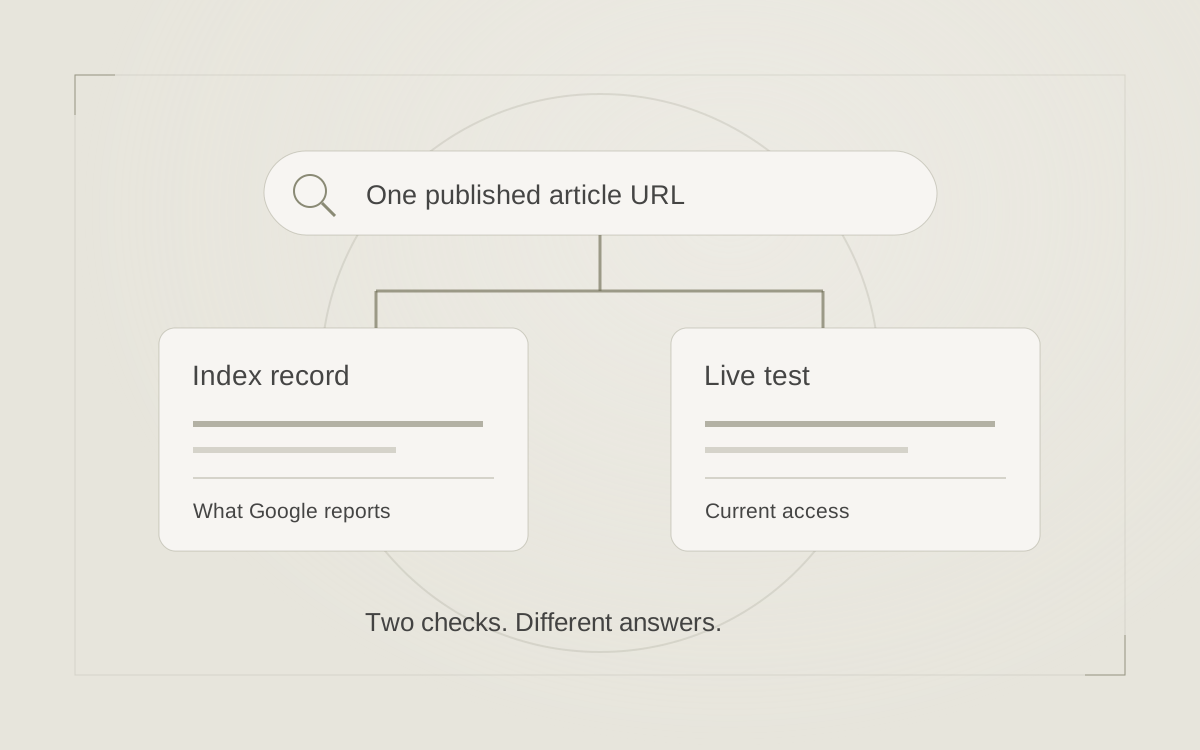
If a page is unavailable or appears excluded from search, follow the indexing checklist. If the URL changed, review the outdated-link and redirect guide. Those findings deserve specific repairs.
If the page is accessible and the concern is relevance, use the search-intent guide to compare the reader’s question with the answer. For example, an agent’s general biography may not satisfy someone looking for a seller-consultation agenda. Improving that path is a clearer assignment than adding a keyword throughout the biography.
Send a brief someone can act on
Give the person responsible a compact record: the observed change, affected URL, comparison dates, saved filters, recent site changes, what you have tested and the question still unresolved. Separate the evidence from your proposed explanation.
A hypothetical brief could read: “Our seller-preparation page received fewer Google clicks in this completed period. The attached comparison uses the same page and Web search type. The URL changed during our redesign. Please check the old-to-new route and the page’s indexing status before recommending content changes.”
Assign one next action and a review date. Record any repair or meaningful revision so the later comparison has context. Avoid changing titles, URLs and page content together without a documented reason; that makes the next discussion harder to interpret.
Justin helps real estate professionals connect website structure, useful content and practical search decisions. Explore real estate SEO and search strategy for help turning a confusing report into a clear next step.
Sources & further reading
Platform guidance and research referenced in this article. Reviewed November 1, 2026.
- Semrush: Poisoned SERPs — an update on Google ranking data, October 27, 2026
- Google Search Console Help: Performance report overview and basic setup
- Google Search Console Help: Advanced filtering and comparison
- Google Search Console Help: What are impressions, position, and clicks?
- Google Search Console Help: Troubleshooting data discrepancies
- Google Search Central: Debugging drops in Google Search traffic

Growth & Strategy Manager at Inspire Title Team | WFG Title. Marketing and AI guidance for real estate professionals.