
A useful real estate YouTube playlist starts with one client task. Choose a small group of current videos that answer related questions, put them in a sensible order, and give the collection a name a buyer or seller would recognize. Then place the playlist where someone actually needs that guidance: on your channel, alongside a relevant website resource, or in an appropriate follow-up conversation.
The opportunity is often already in your library. A seller preparation video, a consultation overview and a thoughtful explanation of listing photos can become a coherent introduction to working with your team. Someone should understand what to watch first and why the next video belongs.
HubSpot’s guide to identifying content gaps, updated October 23, 2026, emphasizes understanding what is missing before creating more material. Applied to a real estate video library, that principle raises a useful question: do you need another recording, or a clearer route through the answers you already have?
Choose one client task for the playlist
Start with a moment from your work. A buyer is preparing for a first consultation. A seller wants to understand what happens before photography. A relocating client needs a way to research an area before visiting.
Write a sentence describing what someone should be able to do after watching. For example: “A seller can prepare questions and gather useful information for an initial listing conversation.” That sentence becomes your selection rule. A video belongs when it helps the viewer reach that outcome.
Keep the first collection manageable. Three to five videos is a practical starting recommendation, not a YouTube requirement. If only two existing videos meet the brief, use those and identify the missing explanation for your next recording plan.
A broad collection called “Real Estate Tips” gives you little help deciding what to include. “Prepare for Your Listing Consultation” creates a much clearer boundary.
Map the viewer’s next question
Build the sequence on paper before opening YouTube. Start with orientation, continue with a useful preparation step, and finish with a question that helps the viewer act. Upload order does not have to determine learning order.
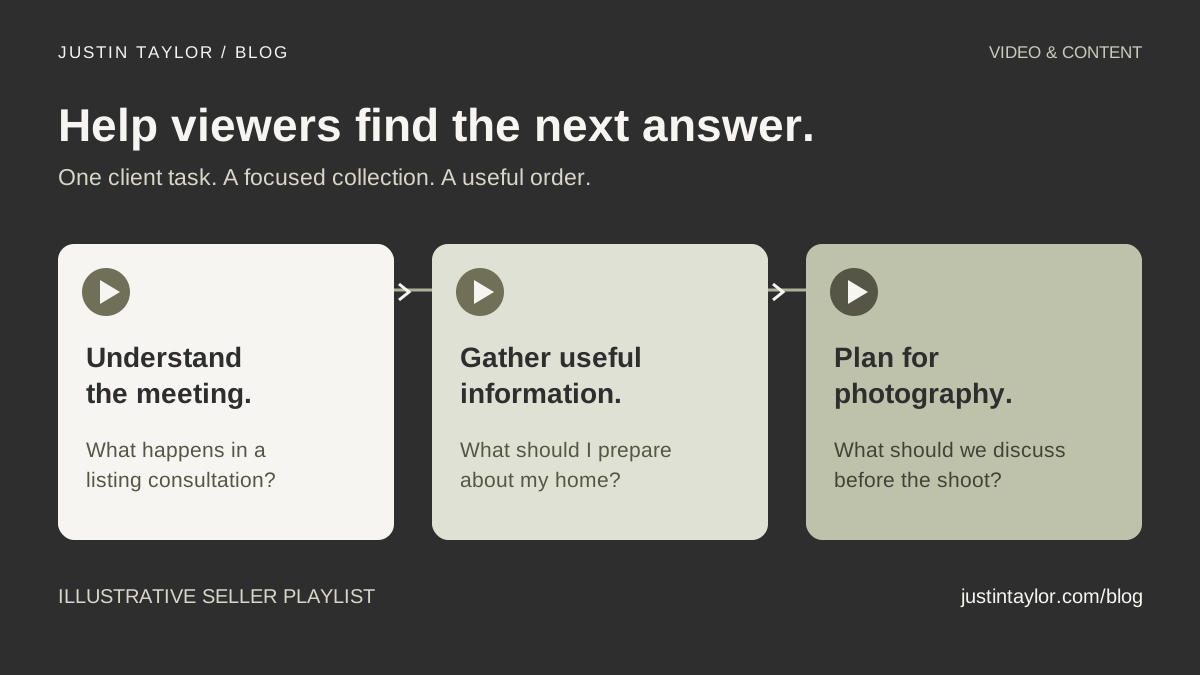
This fictional seller playlist illustrates the approach. Adapt the subjects to your actual process and the videos you have reviewed.
| Place in the playlist | Video question | Useful viewer takeaway |
|---|---|---|
| Start here | What happens in a listing consultation? | Understand the purpose of the conversation and what to ask. |
| Prepare | What information should I gather about my home? | Make a list of known improvements, records and unanswered questions. |
| Plan ahead | How do we prepare for listing photography? | Identify preparation topics to discuss with the agent. |
A market commentary video might be useful elsewhere, but it does not automatically belong in this sequence. Each additional video asks for more of the viewer’s attention. Include it because it answers the next relevant question.
For a lending team, a separate collection could help people prepare questions for an initial lender conversation. Keep any discussion of programs, documents or eligibility current and appropriately reviewed.
Review the videos before featuring them
Watch each candidate from beginning to end. A strong title cannot compensate for an explanation that is outdated, incomplete or difficult to hear. Check the spoken content, on-screen text, captions, description and next step.
- Accuracy: Does the video describe your current process, service area and team?
- Context: Are dated market observations clearly dated? Could a viewer mistake an example for a current promise?
- Usefulness: Does it answer the playlist’s question without requiring an unrelated earlier video?
- Access: Can the intended viewer open it, understand the audio and follow the linked resource?
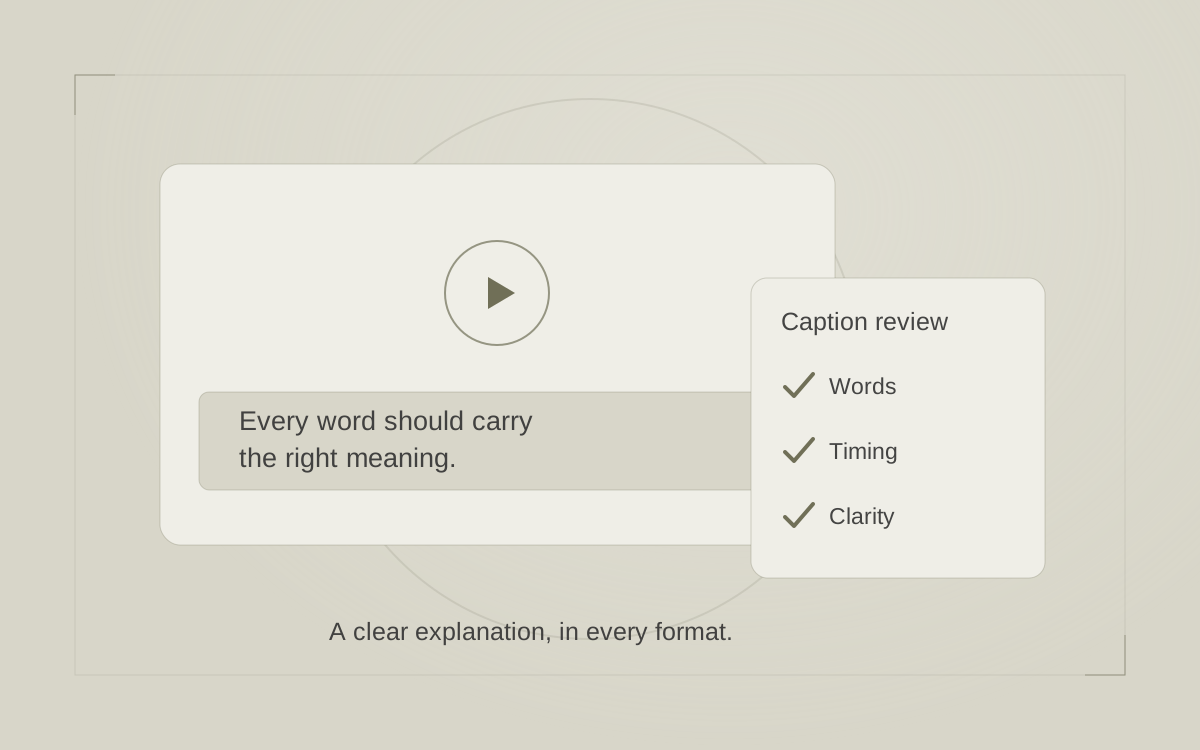
If a material explanation needs replacing, resolve that before promoting the collection. Do not assume an updated description will correct something misleading in the recording. Use the caption and clarity checklist for the accessibility pass.
Create and order the playlist on desktop
YouTube’s current playlist instructions describe this route:
- Open the watch page of a video you want to include. Choose More → Save → Create new playlist.
- Enter the playlist name, choose its privacy setting and select Create.
- For each additional video, use More → Save and select your playlist.
- Open the playlist and drag videos into the intended order. YouTube notes that reordering is unavailable for playlists containing only Shorts.
For a collection intended for public discovery, choose Public. YouTube’s privacy guidance distinguishes this from Unlisted, which people can access and share through its link, and Private. An unlisted link is not a confidential client portal. Supervised accounts may have restrictions; YouTube also applies daily public-playlist creation limits.
These steps concern an ordinary playlist. Start with that straightforward collection before exploring additional channel features.
Write a clear name and introduction
Use the client’s task in the title. Add a location only when the videos contain information specific to that place. Repeating city names across a generic collection does not make it locally useful.
A description can explain who the collection helps, what it covers and where to begin. For the fictional seller example:
Preparing for a listing consultation? Start with an overview of the conversation, then learn what information to gather and what to discuss before listing photography. These videos help you prepare questions for your agent; your property and timeline will guide the next steps.
Keep individual video titles understandable on their own. The playlist supplies a helpful sequence, but someone may encounter the second video first. Avoid making “Part 2” the only clue to its subject.
Make the collection easy to find
YouTube’s channel layout documentation explains how to feature playlists. In YouTube Studio, open Customization → Home tab. Turn on the Home tab if needed. Under Layout, choose ADD section, select a playlist option and the relevant content, then Publish. You can reorder sections by dragging them and publishing the change.
Feature the collection where a new visitor can recognize its purpose. Check the published channel on a phone as well as a desktop. A channel organized around recognizable client questions should be easier to navigate than a long row of unexplained categories.
Copy the playlist’s link and test that exact link in a signed-out browser. Confirm that the intended videos are available and the opening item makes sense. This catches problems your own signed-in view can hide.
Use the playlist in a relevant conversation
Give people a reason to open the collection. On a seller preparation page, label the link “Watch: prepare for your listing consultation” and briefly explain what it covers. The video resource page guide can help you connect the collection to useful written context.
In a suitable follow-up, reference the question the person actually asked: “You mentioned preparing for our conversation. This short collection explains the meeting, what information to gather and the photography questions we can discuss.” Avoid sending the entire channel when a focused resource would answer the need.
Keep a small maintenance note with the playlist URL, its purpose, the included videos, an owner and a review date. Recheck it when your process changes or a linked resource moves. Ask a colleague to open the link and explain who it is for, where to start and what they would do next.
Begin with one collection. Once it is accurate, accessible and easy to use, the gaps you uncover can guide the next recording. Justin’s YouTube marketing guidance helps real estate professionals connect useful topics, organized channels and practical next steps.
Sources & further reading
Platform guidance and research referenced in this article. Reviewed November 3, 2026.

Growth & Strategy Manager at Inspire Title Team | WFG Title. Marketing and AI guidance for real estate professionals.