

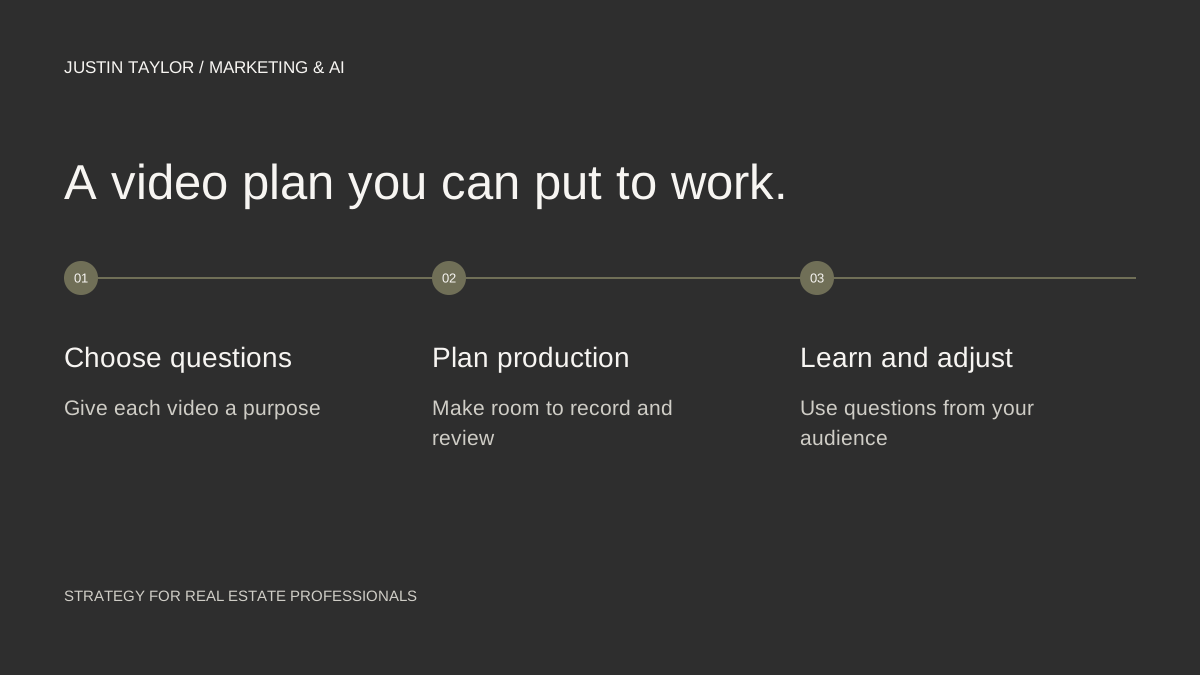
A real estate video calendar should begin with questions you can answer, then reserve time to record and review the answers. Filling a month with unrelated posting ideas can leave you busy without building a useful collection of content.
The plan below uses four main videos in a month, supported by shorter pieces when they serve a purpose. That is a manageable starting example, not a required publishing frequency. Adjust it to the time and support you actually have.
Choose four questions with different jobs
Gather questions from consultations, comments and your own website search data. Remove private details, then choose subjects that help at different points in a client’s research. A preparation question, a process explanation, a local resource guide and a follow-up answer can form a coherent first month.
Write each topic as something a person might ask aloud. “What should I bring to our first meeting?” is easier to develop than “buyer education.” Under the question, write the main answer and one example you can explain from your own knowledge.
If you cannot provide a useful answer yet, mark the subject for research. A calendar is a planning tool, not a reason to publish a topic before it is ready.
Build a calendar with production time included
HubSpot’s marketing-calendar guide treats the calendar as a shared plan for work across channels. For a small real estate team, a spreadsheet is enough if it shows the question, owner, recording date, review date and publication destination.
| Week | Main video | Supporting resource |
|---|---|---|
| 1 | What to prepare before a first consultation. | A written preparation checklist. |
| 2 | How to keep useful notes during home tours. | A blank property comparison sheet. |
| 3 | Where to find official information about a local area. | A checked list of relevant public resources. |
| 4 | An answer to a question the earlier videos raised. | A short follow-up post linking to the full answer. |
This sample avoids claims about current prices, financing terms or particular neighborhoods. Replace the subjects with questions relevant to your work and use current primary sources whenever the answer depends on changing information.
Outline before recording
Use a simple structure for each video: state the question, answer it directly, explain two or three details and show the next useful resource. Write down the opening and closing; use short notes for the middle so the explanation remains natural.
Before recording, gather the prop or screen you need. If the video refers to a checklist, have the actual checklist ready. If a resource appears on screen, verify its address and remove personal information from the recording.
Record related videos in the same session when that helps your schedule, but review each one independently. A good first take of one topic does not mean the next explanation is accurate or complete.
Review before anything is scheduled
Have one person check the facts and another watch for clarity when team capacity allows. Confirm that the title matches the answer, audio is understandable, captions are accurate and the promised link works. Watch the mobile version before approving a vertical edit.
Leave enough time between recording and publishing to make a correction. A schedule with no review time tends to turn a discovered problem into a last-minute decision about whether to publish anyway.
Choose a title that describes the question plainly. The YouTube SEO guide covers how topic, presentation and channel organization work together. The repurposing workflow helps turn a finished answer into supporting pieces.
Use the last week to plan the next month
Review the questions people asked, which resources they requested and whether the videos attracted relevant conversations. Add those observations to the calendar alongside the published URLs. Keep inquiries separate from views so the team does not confuse reach with a business result.
Look for a missing follow-up rather than automatically repeating the best-performing title. If viewers ask how to use the comparison sheet, make a demonstration. If a local resource link changed, update the guide and any video description that points to it.
End the review with four decisions: the next question, the person responsible, the source material needed and the publication window. A calendar becomes useful when it makes those decisions visible and gives the team room to execute them well.
Sources & further reading
Platform guidance and research referenced in this article. Reviewed September 27, 2026.

Growth & Strategy Manager at Inspire Title Team | WFG Title. Marketing and AI guidance for real estate professionals.