

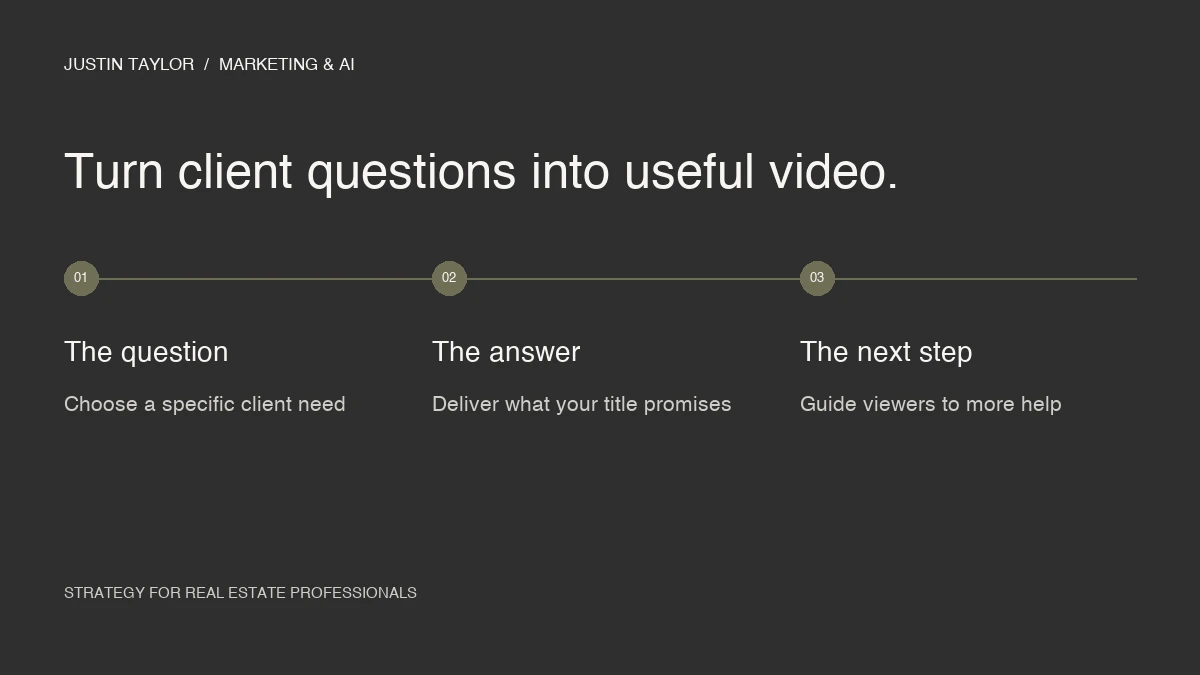
A real estate YouTube channel needs a clear reason for someone to watch. Listing tours can show a property, but a useful channel can also help people prepare for a move, understand your process and decide which questions to ask next.
YouTube SEO starts with a topic that matters to the intended viewer, a title that explains the topic and a video that delivers what the title promises. Build a small library of specific local answers before worrying about publishing every day.
Choose the viewer and the question first
HubSpot’s YouTube marketing guide recommends defining your goals and planning the work required to create, distribute and evaluate videos. For an agent, that planning can fit on a single page: who the video helps, what they need to understand and what they can do after watching.
“People interested in real estate” is too broad to guide a useful script. “Someone preparing for their first weekend of home tours in Mesa” gives you a specific problem to address. You can explain preparation, scheduling and ways to organize their observations without trying to cover the entire buying process.
Keep a running list of questions from consultations, email replies and comments. Remove personal details. Group the questions by the decision someone is trying to make, then choose the ones you can answer clearly from your own experience.
| Viewer need | Example title | Useful next step |
|---|---|---|
| Prepare for a visit | Touring Homes in Mesa: How to Plan Your First Weekend | A simple visit-planning checklist |
| Understand your process | What Happens in a First Meeting With a Listing Agent? | An outline of what to bring |
| Compare observations | How to Keep Track of Homes After a Day of Tours | A blank property comparison sheet |
These are example topics, not claims about their search volume. Test the language against questions you actually hear. If you add current market information, identify its source and date rather than letting an old video sound current indefinitely.
Match the title, thumbnail and opening
YouTube says search considers how the title, description and video content match a query, along with engagement for that search. Search results are not simply a list of the videos with the most views. That gives a focused answer a purpose even when your channel is small.
Write the working title before recording. Read it as a promise: can the finished video answer it? If the title is about planning a first weekend of tours, stay with that job. Save unrelated market commentary for another video.
Use a thumbnail that supports the same idea. A recognizable local image, a clear focal point and a few readable words are a useful starting design. Preview it at phone size. If you need to explain what the thumbnail means, simplify it.
Then open with the reason to keep watching. An example: “If you have two days to tour homes, the schedule matters. Here is how I would organize the trip so you have time to compare what you see.” Follow that with the actual explanation before a long introduction or promotional message.
Use a repeatable recording and publishing outline
A simple outline can keep a video focused without making you sound scripted. Write the question at the top, list the three points you need to explain, add one concrete example and decide on the next step. Record the explanation as if you were speaking with one client.
For the tour-planning example, the three points could be preparation, scheduling and comparison. Show a blank calendar while explaining the schedule. Demonstrate the comparison sheet instead of merely saying people should take notes. Details like these give the video a practical use.
- Check the sound: listen to a short sample before recording the full video.
- Remove unnecessary repetition: keep the examples that clarify the answer.
- Write a specific description: explain what the viewer will learn and include the relevant resource link.
- Review captions: correct names, local place names and words that change the meaning.
- Choose one next step: point to a related guide, the next video or a way to contact you.
Keep a publishing record with the title, topic, resource link and review date. That helps a team avoid repeating the same video and makes it easier to update an older explanation when the underlying information changes.
Connect the video to your website
Give your best explanations a relevant home on your site. A video about preparing for a consultation belongs with a page that explains that consultation. Add a short written answer, the useful checklist and a clear contact link so the visitor can act without replaying the whole video.
You can also turn one section into a shorter clip with a link to the complete explanation. Keep each version focused on the same question. A brokerage could organize videos by client need, while a team could assign different topics to the people best equipped to explain them.
This approach fits the broader work described in the AI search guide for real estate agents: make your knowledge accessible across formats and give people a clear path between them.
Review what viewers do after they click
YouTube’s discovery guidance describes viewer choice, average view duration, average percentage viewed and satisfaction signals as part of how recommendations work. It also notes that interest in a topic, competition and seasonality affect exposure. One metric cannot explain every result.
Use the available data to ask practical questions. If people leave during the introduction, watch that section and look for a delay between the promise and the answer. If the comments repeatedly ask the same follow-up, that may be the next video to make. If viewers click a resource but do not contact you, inspect the page they reach.
A manageable starting pace is one useful video every two weeks for two months, if that fits your schedule. After four videos, compare the topics, viewer questions and actual inquiries. This is a working schedule, not a claim about what the algorithm rewards. Justin helps agents connect video topics, publishing and visibility around the work they want to be known for.
Common questions
Do I need expensive equipment to start?
Start with equipment that gives you clear sound and a steady, readable image. Test what you already have. Upgrade when a specific limitation is getting in the way of explaining the topic well.
Should every video target the same city keyword?
No. Include the location when it helps describe the actual content. A local tour-planning video may need it; a general explanation of your consultation process may not. Choose a title that accurately answers the viewer’s question.
Sources & further reading
Platform guidance and research referenced in this article. Reviewed September 27, 2026.
Growth & Strategy Manager at Inspire Title Team | WFG Title. Marketing and AI guidance for real estate professionals.