

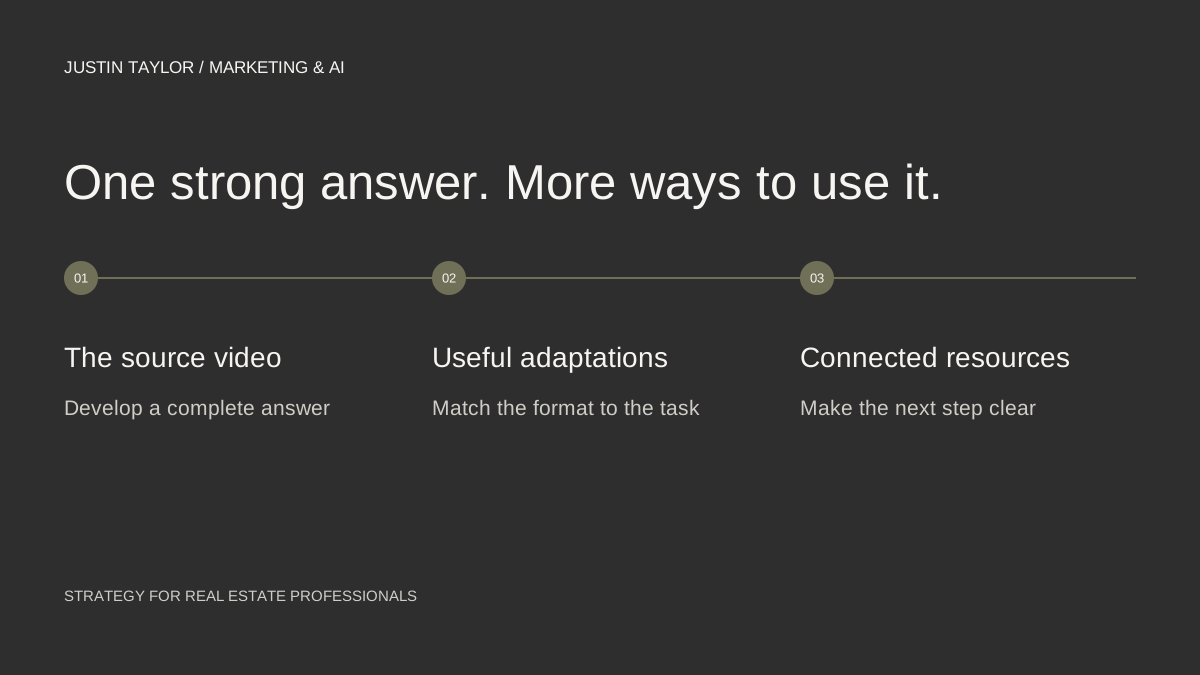
A useful real estate video often contains more than one publishable explanation. A five-minute answer about preparing for a consultation might also support a short clip, a written checklist, an email and a social post. Each version should help the person using that format.
Semrush describes content repurposing as adapting existing material for different formats or platforms. For an agent, the advantage is being able to develop one subject properly, then carry its strongest explanations into other places clients look.
Choose a video with one clear answer
Start with a video you own and have permission to reuse. Choose a question that is still relevant and an answer that does not depend on an expired listing, outdated statistic or private client story. Review the underlying facts before planning new versions.
Write the main answer in one sentence. If that is difficult, narrow the topic or choose another video. A focused answer gives every derivative piece a clear reference point and helps prevent different captions from making different promises.
For this example, use a hypothetical video titled “What to Prepare Before Your First Buyer Consultation.” Its central point is that a written list of priorities and questions makes the conversation more useful. The exact preparation process should reflect how you actually work.
Map the video into five useful pieces
| Format | What to create |
|---|---|
| Full video | The complete explanation, with context and an appropriate next step. |
| Short clip | One self-contained answer to a specific preparation question. |
| Website guide | A written checklist with detail that is easier to scan than replay. |
| Social post | A concise question and answer that makes sense on its own. |
| A short introduction linking interested readers to the complete resource. |
This is a proposed workflow, not a requirement to publish on five channels. If your clients use two of them, begin there. A maintained website guide and a clear video can be more useful than several rushed versions.
Edit each version for context
For the short clip, include the question and enough of the answer that it still makes sense without the full video. Cut an opening such as “as mentioned earlier” if the earlier explanation is missing. Keep qualifications that materially affect the meaning.
For the written guide, reorganize the transcript into headings and steps. Remove conversational repetition, explain visual references and add links to the resources mentioned. Do not publish an unedited transcript as though it were a finished article.
For the social post, choose one useful detail. “Bring a short list of questions you want answered” is a more concrete opening than announcing that you have “valuable insights to share.” Give readers the answer before asking them to watch the video.
Check captions against the audio, especially names, local place names and numbers. Watch the finished vertical crop on a phone to ensure the important visual information and captions remain visible. These checks concern readability and meaning, not an assumed algorithm preference.
Give interested viewers a clear next step
Link the written guide to the full video and connect the video to the guide where the platform supports links. Use descriptive wording so a person knows what the destination contains. Google’s link guidance explains why the text around a link should make its purpose clear.
Avoid making every version a contact request. Sometimes the useful next step is the checklist, a related explanation or another video. The contact option can remain available for someone who is ready for a conversation.
If AI helps summarize the transcript, compare the output with the recording. A shorter draft can accidentally remove a condition or introduce a claim you never made. Use the fact-checking workflow before scheduling it.
Review what people needed next
Keep the original video and every derivative URL in one row of your content tracker. Record the question each version answers and the next step it offers. When the underlying information changes, that record helps you find all the versions that need attention.
Review replies, relevant questions, video viewing patterns and actual inquiries separately. A short clip and a detailed guide perform different jobs, so raw view counts do not tell the whole story. Use the monthly video planning guide to schedule the next answer and the YouTube SEO guide to organize the channel around it.
Sources & further reading
Platform guidance and research referenced in this article. Reviewed September 27, 2026.
Growth & Strategy Manager at Inspire Title Team | WFG Title. Marketing and AI guidance for real estate professionals.