
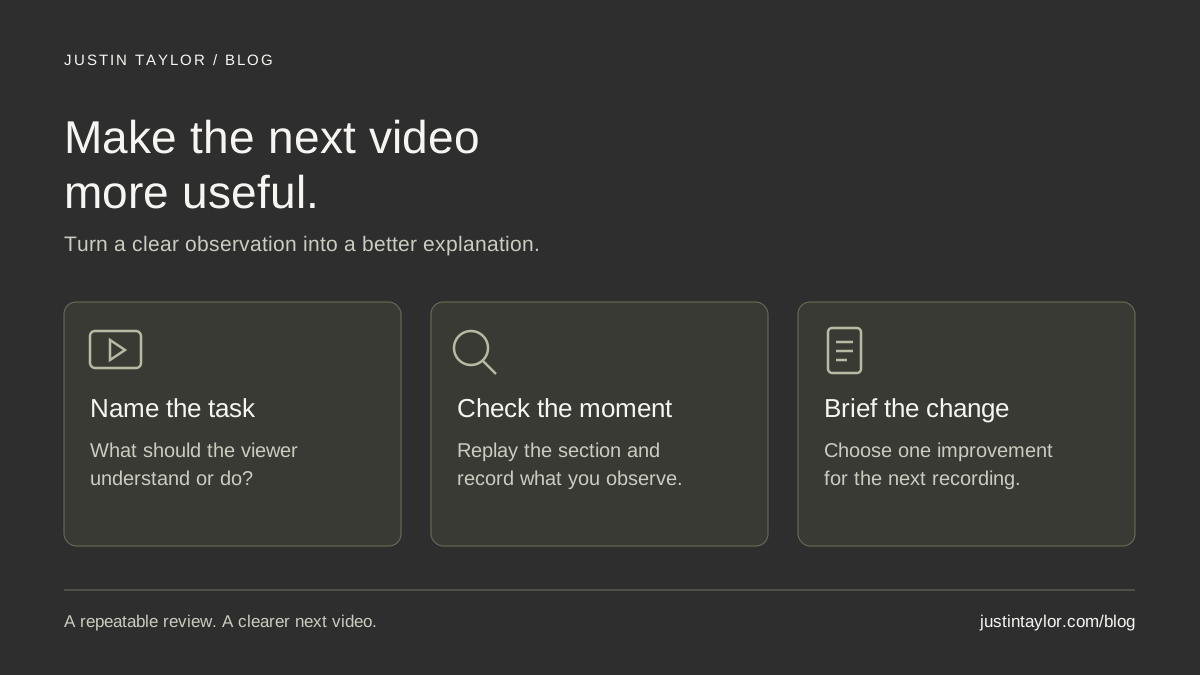
A useful YouTube review ends with a specific decision about the next video. Choose one published explanation, check how people found and watched it, then replay the moments that deserve attention. Record one improvement you can carry into the next recording, along with the evidence behind it.
For a real estate agent, that might mean showing a property-comparison worksheet sooner, shortening a repeated explanation or answering a question that viewers left in the comments. The goal is to make your expertise easier to understand and use.
HubSpot’s content-workflow guide includes analysis as part of the publishing process and emphasizes clear responsibilities. The linked edition is marked updated October 1, 2026. The routine below applies that idea to the work after a real estate video goes live: turn observations into a brief that improves the next recording.
Choose one video and define its job
Start with a full-length educational video whose purpose you can describe in one sentence. Keep Shorts in a separate review because the viewing experience and available reports differ. Choose a video you can still improve on through future content, rather than an expired listing tour.
Write down the intended viewer, the question being answered and the next useful action. For a hypothetical video called “How to Compare Homes After a Day of Tours,” the viewer is someone organizing observations from several properties. The job is to demonstrate a blank comparison sheet. The next step is to use that sheet before a follow-up conversation.
Keep that description beside the analytics. A large view count would not tell you whether the demonstration was clear. Equally, a small audience does not make a focused explanation useless to the people who need it.
Open the reports in YouTube Studio
On a computer, follow YouTube’s audience-retention instructions:
- Sign in to YouTube Studio and select Content.
- Find the video and open its Analytics.
- Use Overview or Engagement to find Audience retention.
- Use See more for the available comparisons and additional detail.
Retention data usually needs one or two days to process. Highlighted key moments also require detection, a video at least 60 seconds long and at least 100 views; a qualifying video may not show every highlight. Missing highlights are not a verdict on quality.
Also open the video’s Reach tab. YouTube’s impressions documentation explains how counted thumbnail impressions connect to views and watch time. Not every view comes from a counted impression: external websites and apps, for example, are excluded from that impression count. Record the reporting dates and traffic context before comparing numbers.
Separate discovery, viewing and business usefulness
Use three questions to keep the review focused. First, did the title and thumbnail accurately introduce the subject? Second, did the explanation make sense when you watched it? Third, did the content help someone take the intended next step?
These questions need different evidence. Reach data informs the first. Playback and retention inform the second. Relevant comments, resource requests and actual conversations inform the third. Keep them in separate columns so a rise in views does not become an unsupported claim about leads.
YouTube’s click-through-rate guidance warns against decisions made too early or from small fluctuations. Audience and traffic-source differences can change the numbers. Compare similar subjects and formats over a consistent period, and record differences that make the comparison imperfect. There is no reason to adopt another channel’s click-through rate as your own pass-or-fail target.
For a simple working routine, schedule a first review after a week and a follow-up after a month. Those are planning intervals, not platform requirements or promises that enough data will exist. If the audience is still small, write “insufficient evidence” and focus on the parts you can directly inspect.
Replay the moments with a question in mind
YouTube’s retention guide describes the intro measure as the share still watching after 30 seconds. Dips can indicate skipping or leaving; spikes can reflect rewatching or sharing, including replay caused by confusion. A curve points you toward a moment to inspect, rather than establishing why it happened.
Watch the selected section with sound, then inspect the visual information on a phone. Can you read the example? Does the spoken explanation identify what matters on screen? If the presenter says “this column,” is that column obvious? Write the exact timestamp and observation before suggesting a fix.
| Observation to investigate | Question to ask while watching | Possible next-video change |
|---|---|---|
| The opening spends most of its time introducing the agent. | Does the viewer see what the comparison sheet helps them do? | Open with the blank sheet and demonstrate one useful entry. |
| A replay spike coincides with a crowded worksheet. | Is the detail useful, or too small to understand? | Show one row at a time and explain the labels. |
| Comments ask how to separate observations from unanswered questions. | Did the example make that distinction clear? | Add a clearly labeled example of each. |
These are possible observations and responses, not results from an actual channel. They also require judgment. An accurate explanation may need more time, and removing an essential qualification could make a faster edit less useful.
Turn one observation into the next recording brief
Choose the change with the clearest connection to the video’s job. Avoid giving an editor a vague instruction such as “make it more engaging.” Specify what the viewer needs to understand and what should appear on screen.
EXAMPLE RECORDING BRIEF
Viewer task: Organize notes after home tours.
Observation: The worksheet appears late and its labels are difficult to read on a phone.
Next opening: Show one blank row, then explain how to record an observation and an unanswered question.
Editing direction: Crop closely enough to read the row; keep the spoken explanation synchronized with the highlighted field.
Review question: Can a viewer explain how to use the row after one watch?
This example gives the agent and editor something they can check together before publishing. Ask a colleague who did not prepare the script to watch and describe the intended action. Note where the explanation needs clarification without prompting them toward the answer.
Keep the next video’s subject and purpose recorded alongside the change. Different videos reach different people, so later differences in analytics cannot by themselves prove the edit caused an improvement. The brief is a disciplined way to learn, not a controlled experiment.
Keep a short record your team will use
A spreadsheet row can hold the video URL, publication date, review period, intended viewer, observed timestamp, working explanation, chosen change and person responsible. Add a separate field for relevant inquiries, with private client details kept out of the editorial record.
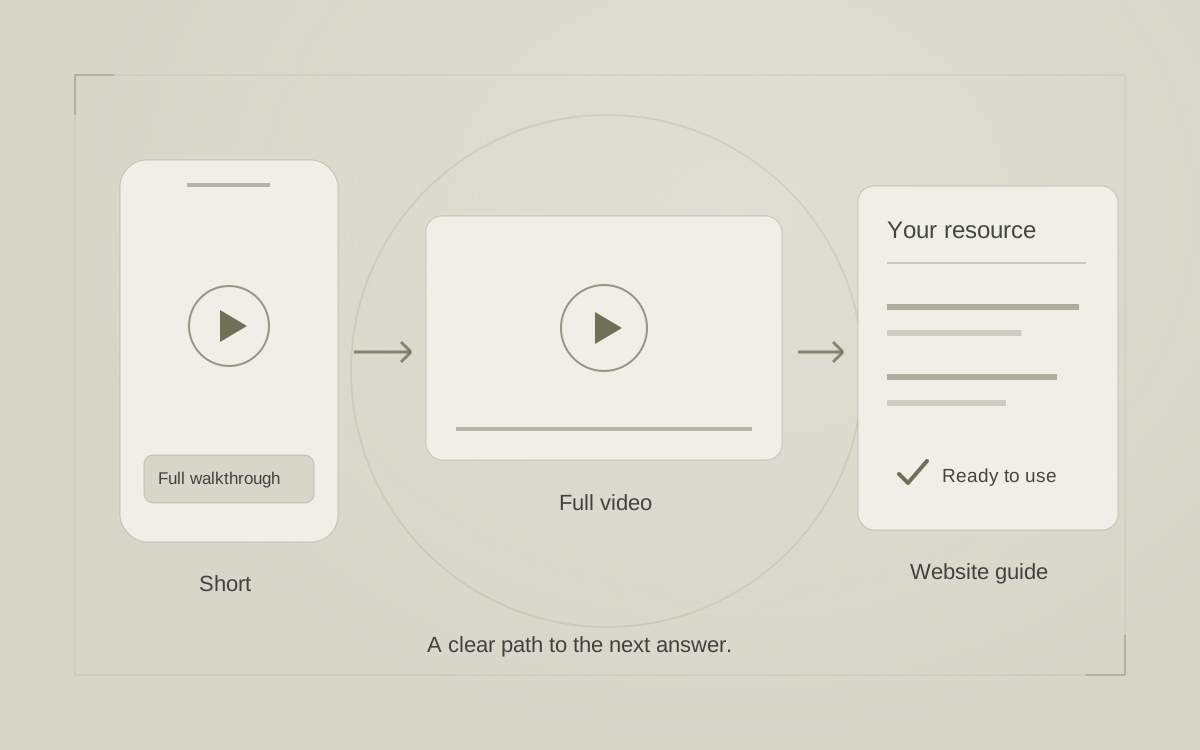
Close the review by assigning the next action. Put the revised brief into your video content calendar. If the video needs a clearer destination, use the guide to connecting Shorts, full videos and website resources. If the title promises more than the video delivers, revisit the YouTube topic and title guide.
Repeat the routine on the next relevant video and look for recurring questions worth answering. Justin’s YouTube and video strategy support helps real estate professionals connect those questions with focused topics, clear explanations and a more useful channel.
Sources & further reading
Platform guidance and research referenced in this article. Reviewed October 13, 2026.

Growth & Strategy Manager at Inspire Title Team | WFG Title. Marketing and AI guidance for real estate professionals.