
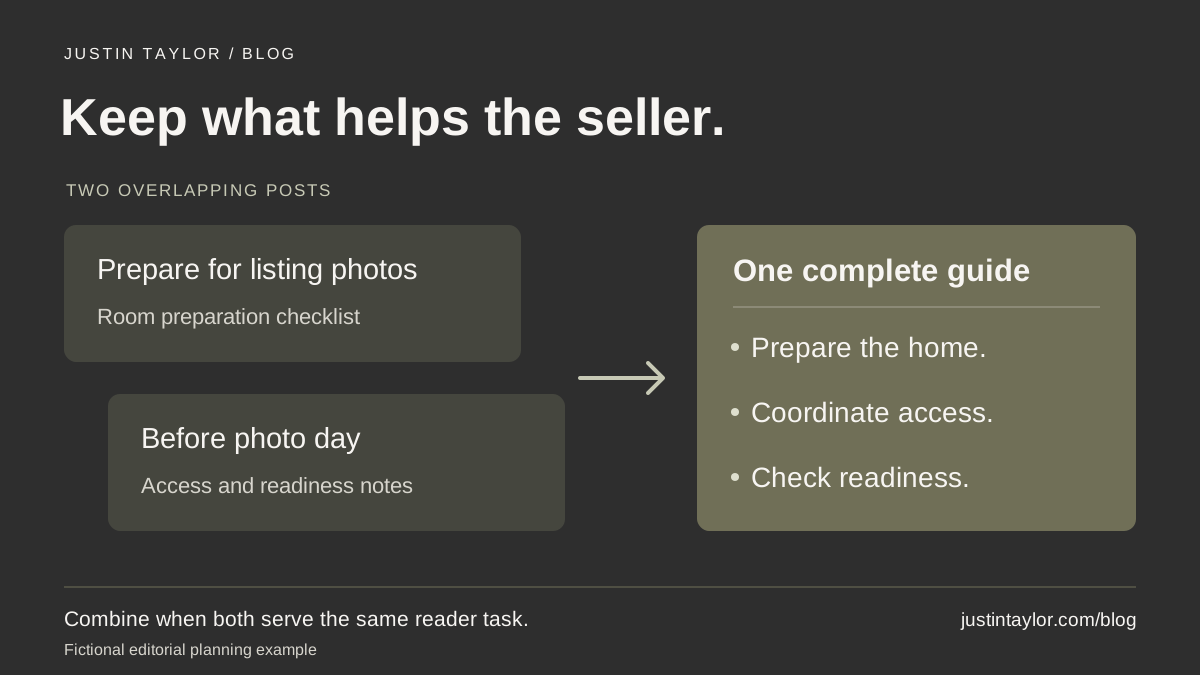
You have one article called “Prepare Your Home for Listing Photos” and another called “What to Do Before the Photographer Arrives.” Both explain clearing counters, organizing rooms and planning access. Should you keep both?
Combine similar real estate blog posts when they serve the same reader task and one maintained guide can preserve everything useful. Keep separate pages when they answer distinct questions. Before retiring a URL, review its content, search activity and links, then plan a permanent redirect to the relevant replacement. Similar titles alone are not enough to make that decision.
HubSpot’s SEO tips guide, updated November 6, 2026, recommends improving existing articles as part of ongoing content maintenance. That gives real estate teams a useful starting point: review the answers already in the library before commissioning another version. Read HubSpot’s current SEO guidance.
Compare what the reader can accomplish
Open the two posts side by side. Write one sentence for each: “After reading this, the seller can…” Complete it with an action rather than a topic. “Understand listing photography” is broad. “Prepare the rooms before the photographer arrives” describes a specific task.
In the fictional example, both articles may produce the same preparation checklist. If one has a useful section about coordinating access and the other explains what to do with everyday items, those sections could strengthen one guide. The second title does not establish a second purpose.
Now compare a preparation checklist with a page explaining how the team schedules photography, who confirms access and what the seller should expect afterward. Those pages can work together. A homeowner deciding how to arrange the appointment has a different question from someone getting the kitchen ready that morning.
The search term for potentially harmful overlap is keyword cannibalization. Semrush’s guide explains that multiple pages ranking for the same term do not always create this problem. Treat an overlap report as a reason to inspect the pages, not an automatic instruction to delete one. See Semrush’s explanation, dated July 14, 2026.
Review the searches associated with each page
If you have access to the site’s Search Console property, use its Performance report to look at the pages and queries. Start with a completed period long enough to contain meaningful activity. Keep the search type, country and device settings consistent across both pages. Google’s Performance overview explains the available metrics and table views.
- Open the Pages tab and select the first article’s URL. Open Queries and note the relevant searches.
- Remove the page filter, select the second URL and review its queries using the same settings.
- To investigate a shared query, remove the page filter, find that query in the query table and select its row. Return to Pages to see the associated URLs.
- Save the dates, filters and observations so a colleague can reproduce the review.
Selecting a table row applies a filter. Leaving the first page filter active would constrain the next view. Google’s filtering instructions explain how to add and remove those filters.
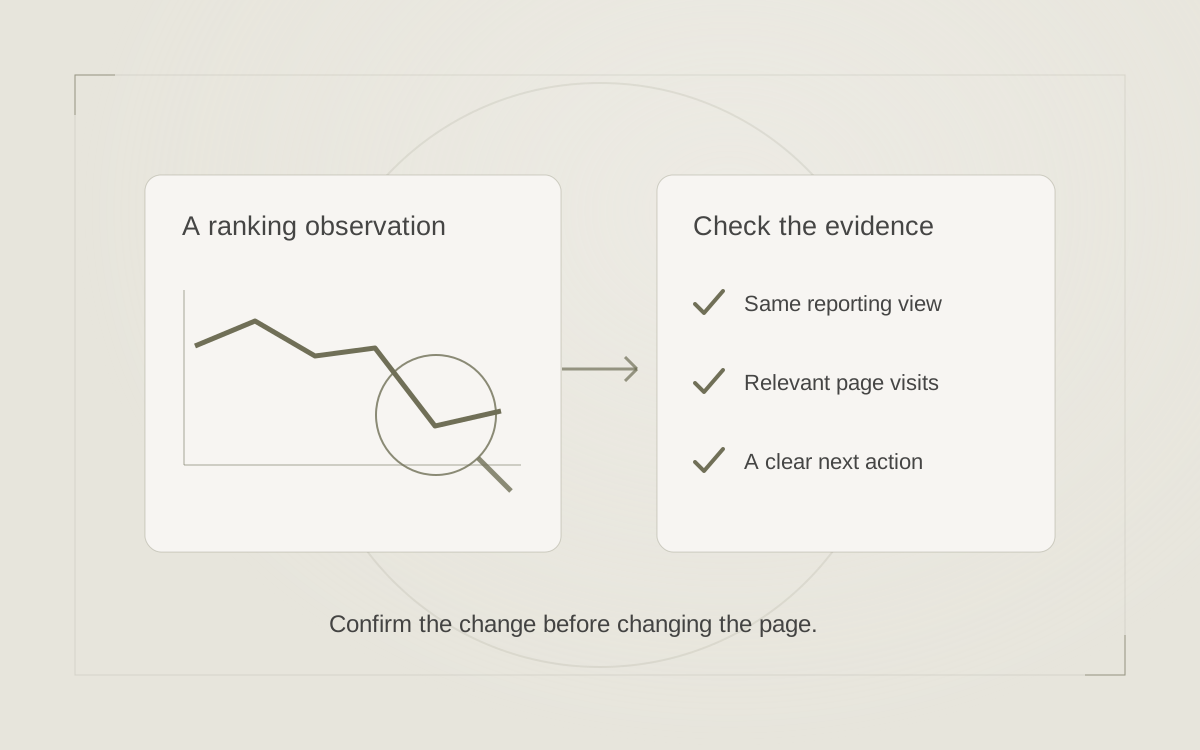
Two URLs appearing in that report establishes an overlap in the selected data. It does not establish that one page caused the other to lose visits. Look at whether each attracts questions it answers well, and whether the reader gets a distinct benefit from each page.
For a newer site, the data may be too sparse to support a search-performance conclusion. Google also omits some rare queries for privacy, so an absent query is not proof that nobody searched it. Review the reporting limitations. You can still improve repetitive copy on editorial grounds; record that as the reason.
Choose an action for the actual overlap
| What the pages do | Useful editorial action |
|---|---|
| Two posts explain essentially the same photo-day preparation. | Develop one complete guide, preserving useful details from both before retiring the other URL. |
| One explains preparation; one explains the team’s scheduling process. | Keep both, clarify their headings and introductions, and connect them where the next question arises. |
| A broad seller guide repeats most of a detailed photography article. | Keep a concise photography overview in the broad guide and link to the detailed instructions. |
| One post reports a dated event; another provides current preparation advice. | Preserve the historical context and distinguish the current guidance. Do not turn an old event into an evergreen claim. |
When keeping both pages, make the distinction visible near the beginning. A revised headline cannot solve two nearly identical bodies. Give each page the examples, supporting material and next step its reader needs. The real estate search-intent guide can help define that purpose.
Prepare the combined guide before moving anything
If consolidation makes sense, choose the destination deliberately. Consider the URL’s usefulness over time, relevant search visits, links pointing to it and whether it already serves the intended task. The newer article is not automatically the better home. Nor should a small difference in clicks over a quiet week decide the entire project.
Make a short inventory of what to retain: the strongest explanation, original photographs you can use, a preparation worksheet, useful questions and accurate sources. Remove repetition while checking whether either article contains outdated instructions. Combining two posts should produce a coherent guide, not two introductions followed by the same list twice.
For the photography example, organize the retained material around preparing the home, arranging access and checking readiness. If a team-specific scheduling process belongs in a separate page, link to it. Give the finished guide one clear next step, such as discussing preparation with the listing agent.
Keep the surviving URL stable when it still fits the subject. Save copies of both original posts and record which details moved. Note the meaningful revision date without presenting the entire guide as newly written merely because its headline changed.
Preserve the route from the old article
Once the combined guide is ready, give the website provider an exact old-to-new URL pair. Google recommends a permanent server-side redirect where possible for a permanent move; HTTP 301 and 308 are the relevant status codes. Implementation depends on the website platform. Read Google’s redirect guidance.
In this example, the retired photo-preparation article should lead directly to the completed photo-preparation guide. Sending it to the homepage would make the seller search again for the promised instructions. Update links you control, including links in other articles, so they point directly to the retained guide.
Ask the provider to check that the destination’s canonical reference identifies the intended URL and that the sitemap lists the retained page. A canonical annotation indicates a preferred version of duplicate or very similar content; it does not send visitors to another page. Google also advises against using noindex to choose a canonical because it blocks the page from Search. These are different tools with different effects. Review Google’s canonicalization guidance.
Verify the result and record the decision
Open the retired address directly, then follow an old link from another page. Both should reach the intended guide. Check that the promised worksheet, photographs and contact option still work on a phone. If a reader saved a heading link, test that specific address too.
Record the change date and the reason for consolidation. Revisit the same relevant queries and page group after enough completed data has accumulated for a useful comparison. Consider traffic to both original URLs when describing the earlier period; a change in which URL receives visits is not automatically a gain or loss for the topic.
Use the decision to improve future planning. Before drafting the next seller article, check the content map and write down what the new page will help someone do that the existing guide does not. A smaller set of clearly differentiated answers can be easier for both your team and your readers to use.
Sources & further reading
Platform guidance and research referenced in this article. Reviewed November 16, 2026.
- HubSpot — SEO tips to help your content catch leads (updated November 6, 2026)
- Semrush — Keyword cannibalization: How to find, fix, and prevent it (July 14, 2026)
- Google Search Console Help — Performance report overview and basic setup
- Google Search Console Help — Advanced filtering and comparison
- Google Search Console Help — Troubleshooting data discrepancies
- Google Search Central — Redirects and Google Search
- Google Search Central — How to specify a canonical URL

Growth & Strategy Manager at Inspire Title Team | WFG Title. Marketing and AI guidance for real estate professionals.