

A real estate website becomes easier to use when related answers live together. Someone reading about planning a home-search visit should be able to find the appointment checklist, the local area guide and your explanation of how you help without starting over in the blog archive.
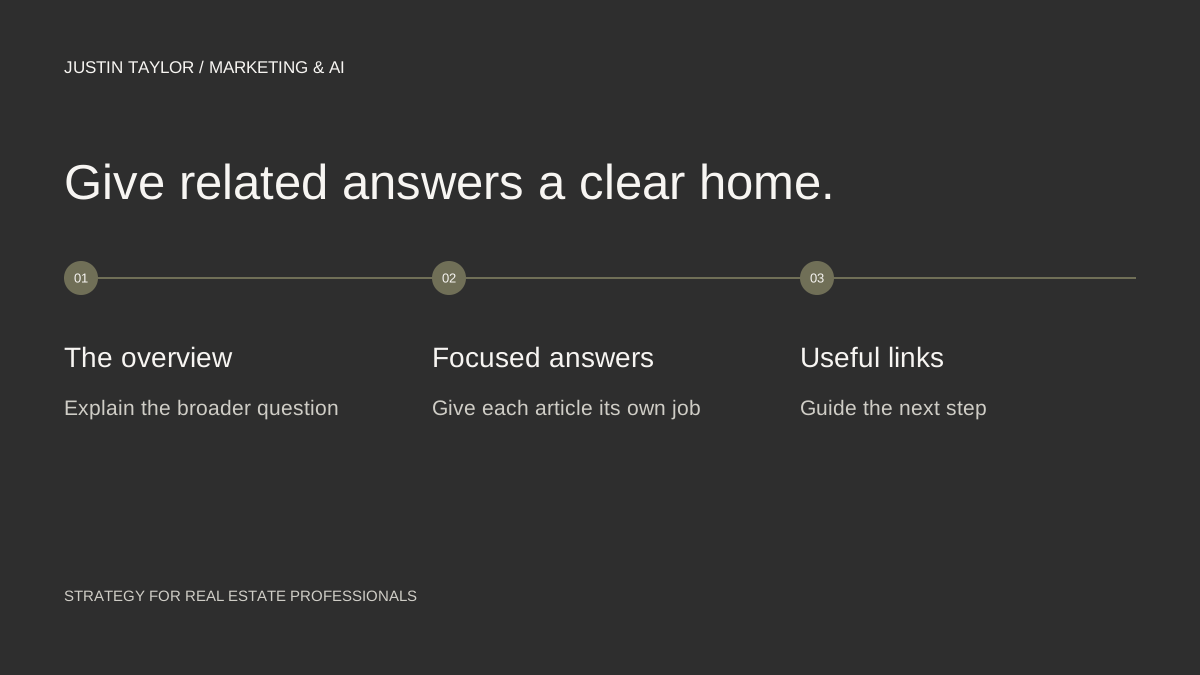
A content cluster gives that collection a structure: one overview page, several focused articles and links that explain how they fit together. HubSpot’s topic-cluster model uses a central pillar page to organize deeper coverage of related questions. The approach works best when every page has a distinct reason to exist.
Choose a topic you can support with experience
Start with a service and a set of questions you can answer well. “Real estate” is too broad to guide a small publishing plan. “Preparing for a home-search visit to Mesa” gives you a defined audience, a situation and a collection of useful decisions to explain.
Write down five questions from actual conversations, with client details removed. Sort them by what the person is trying to do: prepare, compare, understand or take the next step. If two questions would produce almost the same answer, combine them before creating separate pages.
Keep the first cluster small enough to finish. An overview and three supporting articles make a workable starting project. Three is an editorial planning choice here, not a search-engine requirement or a threshold that guarantees authority.
Give each page a separate job
| Page | What it should help a reader do |
|---|---|
| Overview | Understand how to prepare for a visit and find the detailed guides. |
| Appointment planning | Build a realistic viewing schedule with travel time. |
| Property comparison | Use a consistent notes sheet after each showing. |
| Preparing questions | Organize questions to discuss with the agent before arriving. |
The overview should contain a useful answer of its own. Explain the process, introduce the main decisions and link to the deeper articles at the relevant points. A page containing only four links gives a visitor less help than a short guide that explains which one to read first.
For each supporting article, write a one-sentence brief before drafting. If the brief could be pasted into another article without changing its meaning, narrow the subject. This prevents a collection of different titles from becoming a collection of repeated paragraphs.
Add something an agent can contribute
Include an original planning sheet, a sample agenda, a photo you have permission to use or an explanation of a decision clients often misunderstand. Label hypothetical examples clearly. A sample itinerary can demonstrate a process without pretending it describes a past client or a current local condition.
When discussing a changing fact, use a dated source and explain its scope. A citywide number does not automatically describe one neighborhood. An article becomes more useful when the reader understands the limits of the information as well as the headline.
Avoid making a separate near-identical page for every nearby city. Google’s spam policies address doorway pages created around similar queries that funnel people to the same destination. Publish local coverage when you have a distinct, useful answer for that location.
Connect the pages with descriptive links
Link from the overview to each supporting guide. Link each guide back to the overview, then add a sibling link only when it helps with the next question. “Use the property comparison worksheet” tells a reader more than “click here.” Google’s link guidance favors crawlable links with clear, relevant anchor text.
Keep one permanent URL for each article. A post can be linked from several relevant places without being published as several copies. Use ordinary navigation and text links so a visitor can follow the collection without relying on a search box or a filter.
Before publishing, follow the entire path on a phone: overview, article, related resource, contact page. Check whether every destination matches the words used to describe it.
Review the collection as a whole
Use a simple content map with the page URL, reader question, supporting resource and next review date. This becomes the place to record missing answers and avoid accidentally commissioning the same article again.
After the pages have had time to gather search data, compare the questions you intended to answer with the queries and pages in your Search Console review. Improve the answer before adding another page. For discovery beyond the website, the social-account setup guide explains how to monitor supported platforms separately.
Sources & further reading
Platform guidance and research referenced in this article. Reviewed September 27, 2026.

Growth & Strategy Manager at Inspire Title Team | WFG Title. Marketing and AI guidance for real estate professionals.