

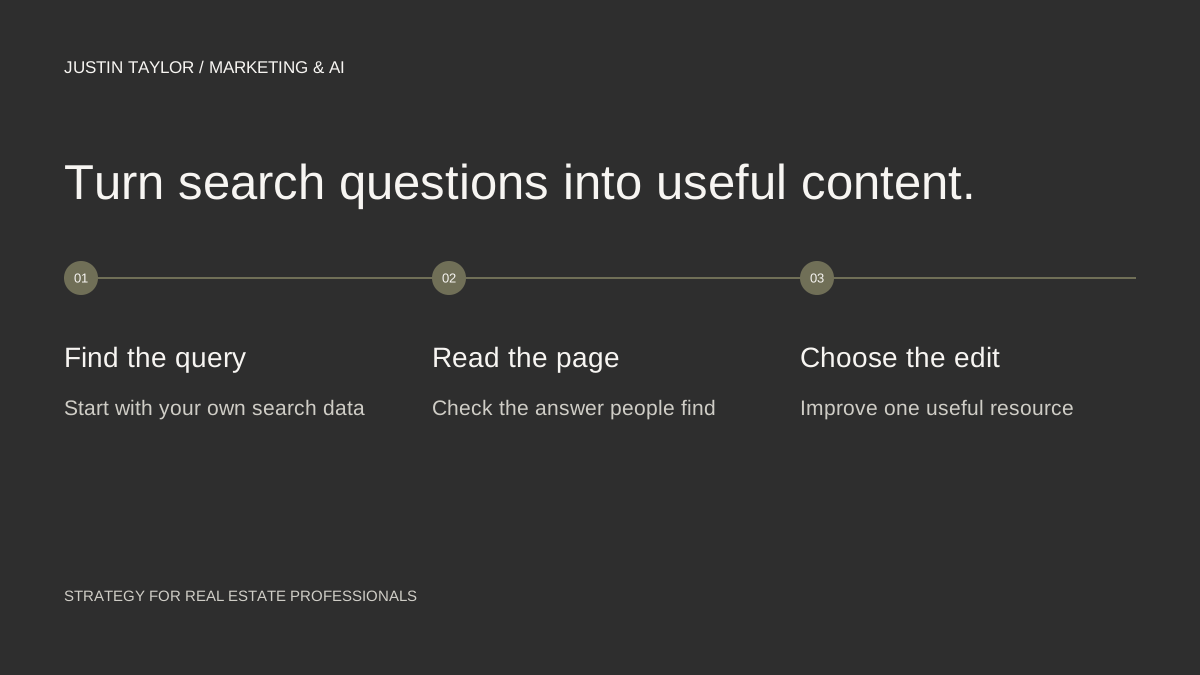
Google Search Console can help a real estate agent decide what to explain next. Its search-query data shows terms that have already brought your website into Google results. That gives you a starting point grounded in your own site, rather than another generic list of blog ideas.
Use the report to find a gap between a question and the page Google is showing for it. Sometimes the right action is a clearer paragraph or a more useful title. A new article makes sense when the existing page cannot reasonably answer the question in depth.
Start with a consistent reporting view
- Open Search Console and select your verified website property.
- Open Performance or Search results, depending on the navigation shown for your property.
- Choose a complete period, such as the last three months, and keep the search type consistent while you compare.
- Enable clicks and impressions. Add click-through rate and average position when you need more context.
- Open Queries below the chart and sort by impressions to review questions for which the site has appeared.
Google’s Performance report guide explains these controls. Clicks count search visits; impressions describe appearances in results. Neither metric tells you whether someone became a client.
Match each question to the page being shown
Click a relevant query, then open the Pages tab to see which URL Google showed. That sequence is documented in Google’s common Performance report tasks. Open that page separately and read it from the visitor’s perspective.
Suppose the query is “how to prepare for a home search trip” and the page is a broad relocation overview. If the overview already has a short preparation section, you might expand it. If the answer needs an itinerary, a checklist and several examples, a dedicated guide could be more helpful.
This is a hypothetical example, not a report of traffic or results from an agent’s account. Use your actual queries to decide which questions deserve attention.
Choose an action before choosing a title
| What you find | A useful next action |
|---|---|
| A relevant page with a vague opening | Answer the question earlier and add an example. |
| A clear answer hidden in a long page | Add a descriptive heading and a direct contents link. |
| A distinct question without enough coverage | Write a focused article and connect it to the overview. |
| An unrelated query | Check whether the title misrepresents the page; avoid chasing the topic just for traffic. |
Record the query, URL, observation and proposed change. Add the client question in plain language. This final field is useful because a short search phrase may not describe the complete concern the person is trying to resolve.
Also check whether another page already covers the subject. Strengthening an existing answer usually gives a reader a clearer destination than creating a second article with almost the same purpose. The content-cluster guide provides a structure for making those decisions.
Read small numbers carefully
A few impressions do not establish broad demand, and low click-through rate does not automatically mean the writing is weak. Consider whether the searcher wanted a different type of result, whether the page appeared far down the results and whether the query matches your business at all.
Search Console is not a complete keyword-research database. Some query details are omitted for privacy, and filtering or grouping can change how totals appear. See Google’s filtering and comparison guidance before treating a downloaded table as a full record of every search.
For a new site with little data, keep a separate list of questions from client conversations. Publish answers you can support with experience, then use the report as evidence accumulates. Do not read an empty report as proof that nobody needs the information.
Make one change you can evaluate
Choose one page and write down what changed and when. Compare equivalent periods later while keeping the query, page and search-type filters consistent. Review relevant clicks, impressions and the inquiries you actually receive. A change in traffic alone cannot establish which edit caused it; seasonality and competing pages can also matter.
Keep this review manageable: three queries, one priority page and one editorial action per session. Once that routine is working, you can apply a similar question-first review to social content connected through platform properties.
Sources & further reading
Platform guidance and research referenced in this article. Reviewed September 27, 2026.

Growth & Strategy Manager at Inspire Title Team | WFG Title. Marketing and AI guidance for real estate professionals.