
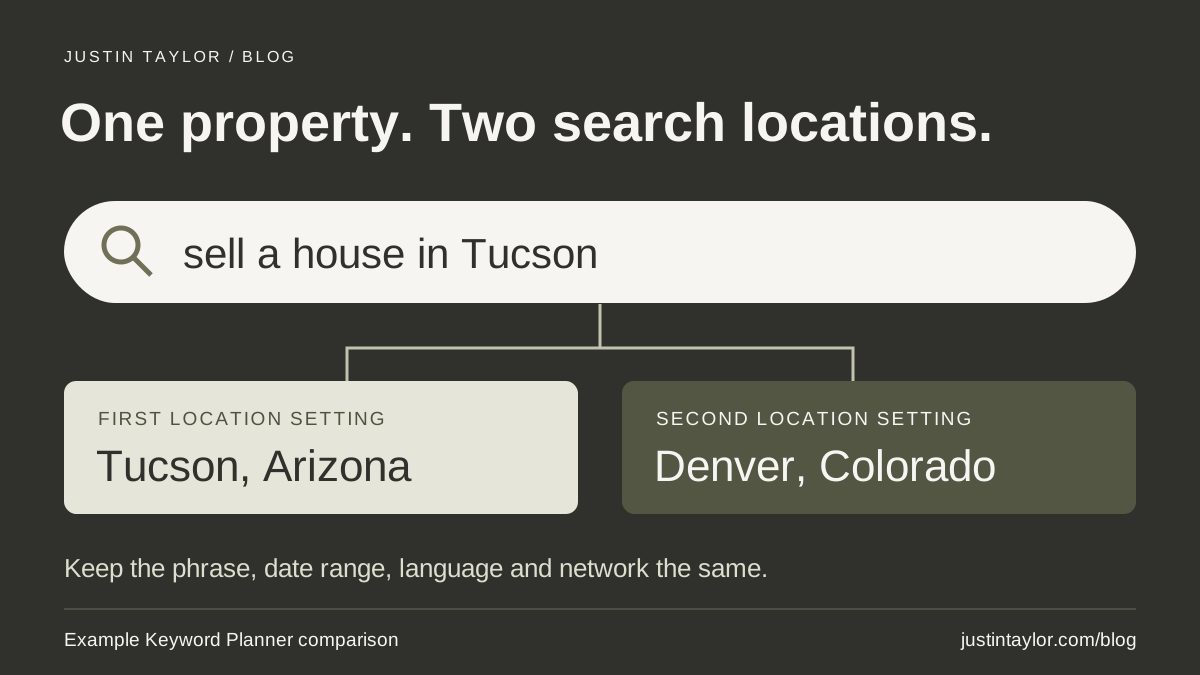
A homeowner in Denver can search for help selling a house in Tucson. If you research only searches from Tucson, you leave out the place where that seller is sitting. In Google Keyword Planner, try the same phrases twice. Choose the property’s market for one run and a market where some of your sellers live for the other. Keep the settings beside the results so you know what each estimate describes.
One question makes this exercise worth an agent’s time. What could you put on your website that would help the owner do something from a thousand miles away? A plan for getting a photographer into a vacant house might earn a place on your seller page even when a broad phrase like “sell my house” attracts far more searches.
Separate the property’s address from the searcher’s location
Imagine a Tucson agent who gets an email from a seller now living in Denver. The owner still has the only set of keys. The question is, “Do I need to fly back before you can photograph the house?” Tucson tells you where the work takes place. Denver explains why an ordinary task has become a problem. It also gives you a second place to investigate in your keyword research.
Choose that second market from your own experience. Ask your listing coordinator which out-of-area situations have come up recently, or read a few past inquiries and write down the questions without names or addresses. If those inquiries come from several states with no clear pattern, start with a broader U.S. comparison. Mark it as such. The U.S. total includes your local market.
Carlos Silva’s November 5 guide for Semrush explains how marketers can use Keyword Planner to discover phrases for website content. For an agent, the first decision comes before opening the tool. Write down the place the seller will mention and the place you want Google to use for its estimates. Semrush’s Google Keyword Planner guide.
Run the same phrases in two places
Google requires a Google Ads account with setup completed, including billing information, for basic keyword discovery. If your brokerage manages the account, someone with access can run the comparison and share the settings with you. The research ends at the ideas table. Google’s Keyword Planner instructions.
- In Google Ads, open Tools, then Keyword Planner. Choose Discover new keywords and Start with keywords.
- Enter a few phrases someone might actually use. For this example, try “sell a house in Tucson,” “selling a house from another state” and “prepare a vacant house for sale.” Including both place-specific and general wording gives the tool different starting points. Select Get results.
- Set the location to Tucson, Arizona. Check the selected language, choose the Google search network, and record the period shown. Keep several relevant ideas and the volume estimates exactly as displayed, including any ranges.
- Replace Tucson with Denver, Colorado, as the only selected location. Keep the wording, language, network and period the same. Label this set “Denver searches.” If an idea from the first run is missing in the second, record “not returned.”
Changing the word “Tucson” to “Denver” inside the phrase would ask a different question. You would start researching a Denver property. Keeping Tucson in the wording while changing the location setting lets you investigate interest in that same property market from elsewhere. Google’s guide to location, network and date settings.
Read the numbers as a clue about wording
Google rounds its historical search counts. The monthly average includes close variations of a phrase and depends on the period, network and geography you selected. Adding similar rows can count overlapping interest twice. A label of “high” in the Competition column describes activity by advertisers. It tells you little about whether your team can write a more helpful organic result. How Google defines Keyword Planner metrics.
A Denver-area search for a Tucson phrase could come from a homeowner, a relative helping out or another agent. Enter “search interest from Denver” in your notes. Describing those searches as seller leads would require evidence the tool doesn’t provide. Likewise, Google can omit very low-volume terms. If a seller has actually asked about a key handoff, you already have a reason to answer it, even if the exact question never appears in the table.
| Phrase to investigate | Editorial decision |
|---|---|
| Selling a Tucson home from out of state | Review the seller-service page. Can a distant owner tell who will coordinate access? |
| Getting a vacant house ready for photos | Ask the listing coordinator for the actual handoff process before writing a checklist. |
| Moving companies Tucson to Denver | Set aside. This person appears to want a mover, and the team provides listing services. |
These are sample inputs and decisions. Use your own observations for the search counts. Give each phrase you keep a reason in plain English. “A seller needs to know whether to book a return flight” is a better assignment for a writer than “target remote selling.”
Turn the key question into a useful page
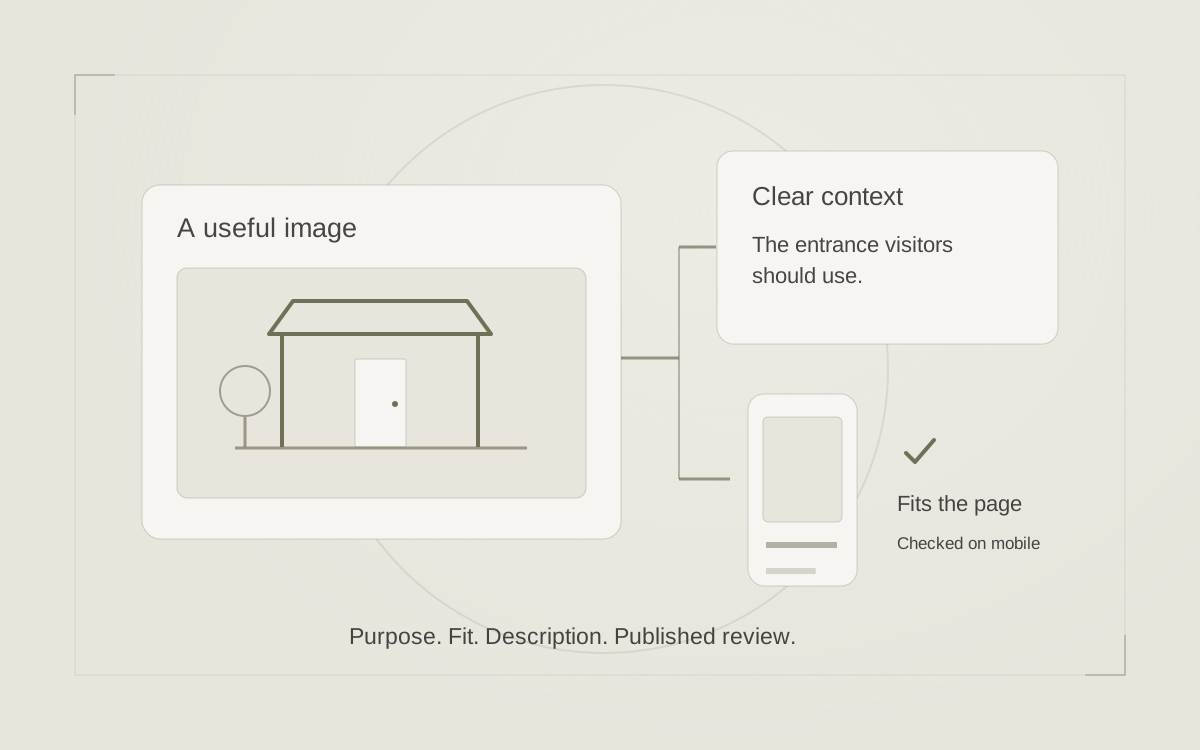
Open the page you already send to prospective sellers. Find the paragraph about listing photography and read it as the owner holding the keys in Denver. “We coordinate professional photos” describes the service. It still leaves the seller wondering what needs to happen on their end. That paragraph is a good place to add a concrete answer.
For the hypothetical Tucson team, an editor could give the listing coordinator this brief: “Explain how an owner away from the property can arrange access before photo day. Identify who agrees on the handoff, when the owner gets confirmation, and whom to call if the plan changes.” Have the coordinator describe the process they can deliver. Keep property access codes and individual appointment details in the private conversation.
A team that actually offers this coordination might write, “Before we schedule photography, we’ll agree with you on who can provide access. Your listing coordinator will confirm the plan with you and the photographer. If you still have the keys out of state, mention that on our first call so we can talk through the options.” A direct next step could be “Ask about preparing your Tucson home from out of state.” Use an existing contact route that reaches the person equipped to answer.
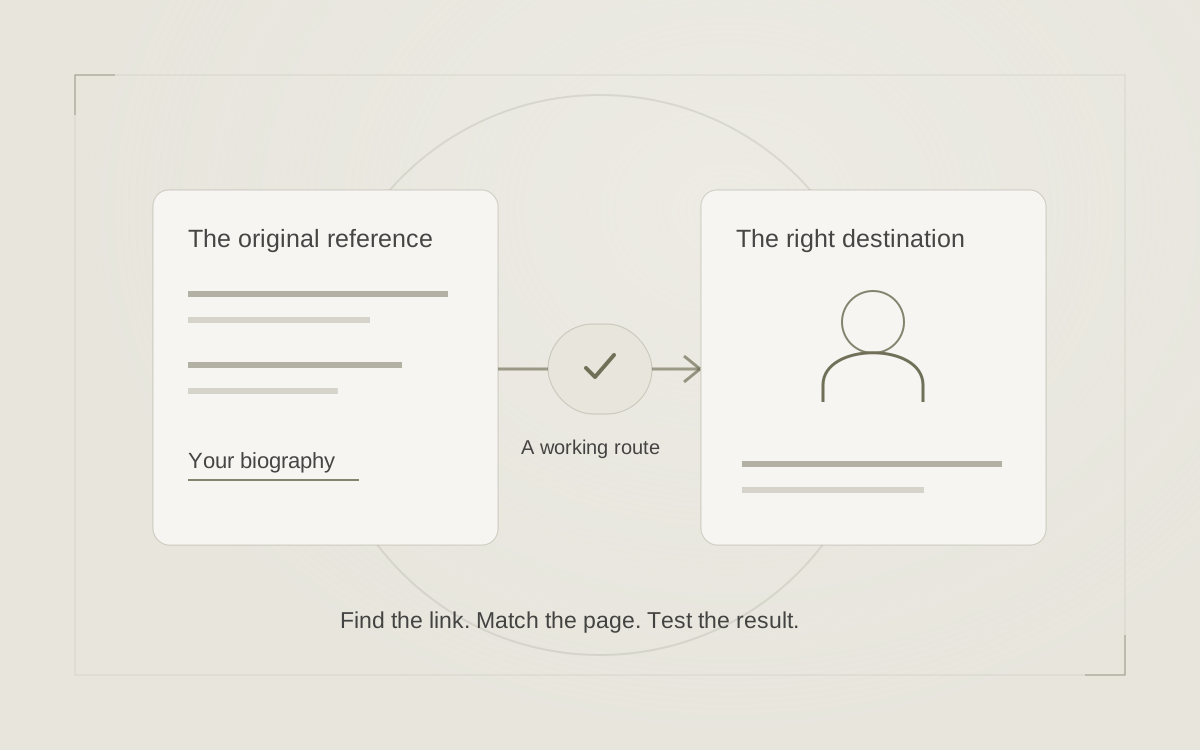
When one paragraph settles the question, publish it on that page. A separate guide earns its place when sellers also need help sequencing cleaning, access and photography, and your team can explain each step. For help choosing the destination, see how to match a real estate search to the right page.
Check whether the answer works for a seller
Give a colleague the finished page on a phone and one instruction: “You’re in Denver and your Tucson house is locked. Find out what to do before photos.” Watch where they stop. If they find the photographer’s portfolio but miss the handoff instructions, move the answer closer to the first mention of scheduling. If they find the instructions but can’t identify whom to contact, fix the link or its label.
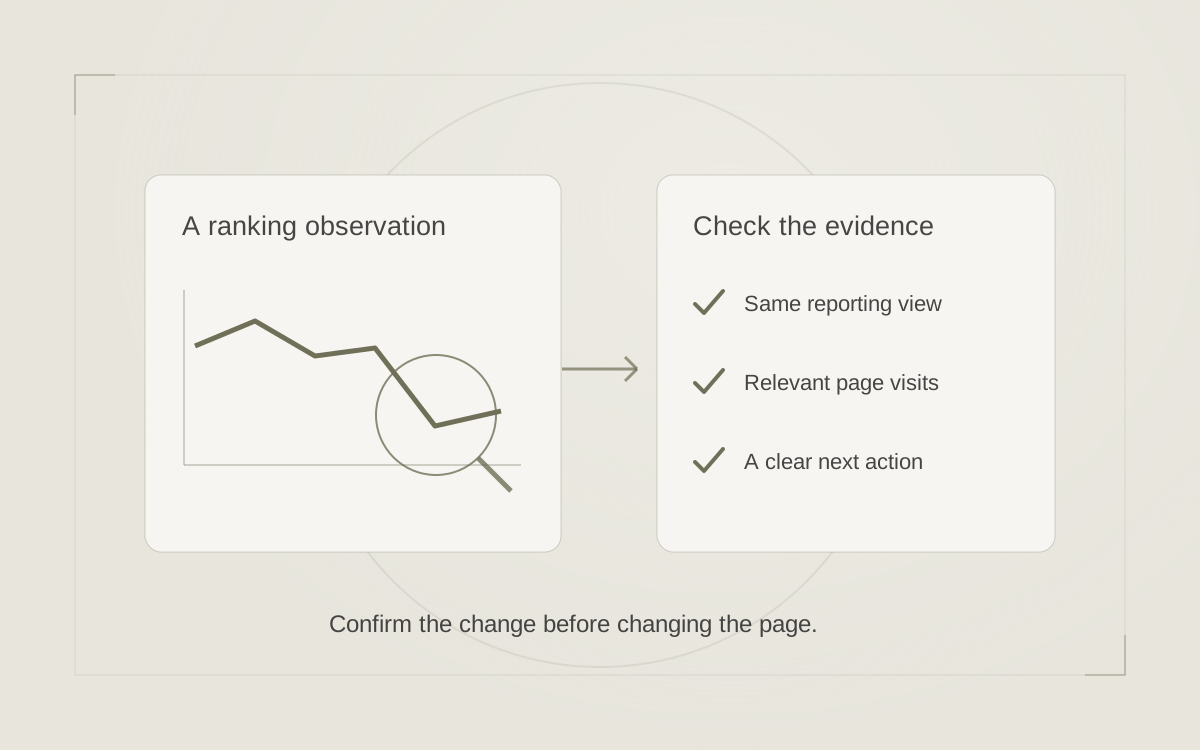
Save the page address, the change date and both sets of research settings. At the next listing meeting, ask the coordinator whether owners still need the same clarification. Once the revised page has had time to appear in search, review the queries your site actually appeared for alongside those conversations. That gives you two different ways to decide what to improve next. Use Search Console to review the questions reaching your site.
Sources & further reading
Platform guidance and research referenced in this article. Reviewed November 10, 2026.

Growth & Strategy Manager at Inspire Title Team | WFG Title. Marketing and AI guidance for real estate professionals.