

Your Google Business Profile may be one of the first things someone sees after a referral. Before calling, they can check your name, photos, reviews, website and contact information. For a real estate agent, those details should make it easy to recognize you and understand how to reach you.
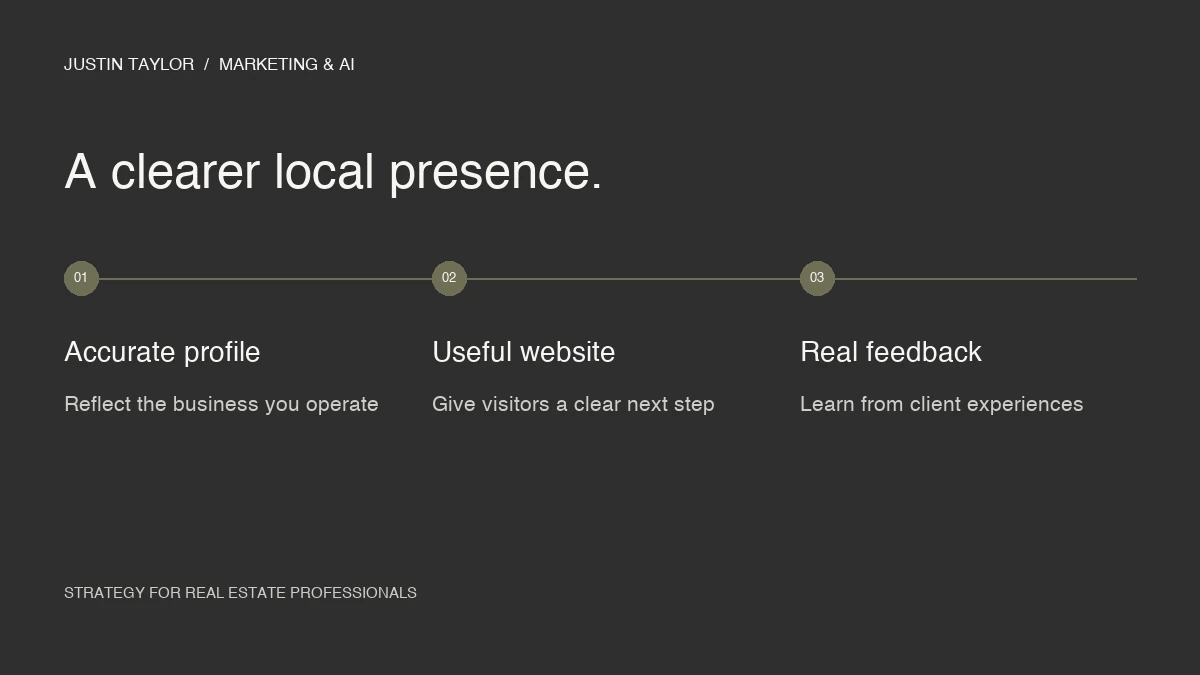
A useful profile starts with accuracy. Start by confirming the right profile setup, correcting your business information, improving the experience after a website click and building a routine for keeping everything current.
Check the profile setup before adding more content
Google treats real estate agents as individual practitioners, with specific eligibility and naming guidance. A practitioner must be public-facing and directly contactable at the verified location during stated hours. The rules differ when several practitioners share a location and when a sole practitioner represents a branded organization. Review Google’s business representation guidelines before creating or renaming a profile.
That same guidance requires an accurate real-world location. A rented mailing address where you do not operate is not an eligible virtual office. A qualifying service-area business should hide its address. Adding city names or promotional phrases to a business name just to attract searches is not a substitute for an accurate profile.
For a team or brokerage, write down who owns each existing profile and which business or practitioner it represents. Resolve that picture before creating another listing. It is easier to maintain a clear set of profiles than to untangle overlapping ones later.
Audit the details a prospective client uses
Open your profile and website on your phone. Approach them as someone who has heard your name once and wants to check that they have found the right person. Use this audit to record the issue and the person responsible for correcting it.
| Check | What to look for |
|---|---|
| Identity | Your name, brokerage affiliation and profile photo should identify the same professional as your website. |
| Contact details | Call the listed number and follow the website link. Confirm that both lead to you. |
| Services | Use specific, accurate descriptions of the work you offer. Remove services you no longer provide. |
| Availability | Keep hours and appointment information aligned with how clients can actually reach you. |
| Photos | Replace outdated branding and use current images that represent your work. |
Semrush’s real estate SEO guide places Google Business Profile work alongside useful local website content and relevant directory profiles. That is a helpful way to approach it: the profile should connect to a broader presence that makes sense to a client.
Keep a simple change log. If your phone number, office or affiliation changes, use that log to update the places clients are most likely to check. A short list you maintain is more useful than a large directory campaign nobody owns.
Understand what local rankings can and cannot tell you
Google explains local results through relevance, distance and prominence. Complete information helps Google understand what you offer. The searcher’s location also matters, and Google considers how well-known a business is, including links and reviews. There is no way to pay Google for a better organic local ranking.
That means a search from your office is only one view of the market. Before deciding that a profile change worked or failed, record the search phrase, location and date. Compare similar observations over time rather than treating one screenshot as the result.
A useful business question is whether the people reaching you are looking for the services and areas you actually handle. Strong visibility for the wrong work still creates a poor experience for both sides.
Make the next click useful and the review request straightforward
If your profile represents you as an individual agent, the linked page should make it easy to identify and contact you. A visitor should not have to search a brokerage directory again. Check the page for a clear introduction, the areas you serve, your contact details and a next step that works on a phone.
Give that page useful supporting content. A guide to preparing for a consultation or a video explaining your process helps someone understand what working with you might involve. The YouTube guide for real estate agents includes a way to plan those videos around actual client questions.
For reviews, make a neutral request after a real service experience. Google allows sharing a review link or QR code and prohibits incentives for reviews. Invite honest feedback without prescribing a rating or supplying praise for the client to paste.
A SIMPLE REVIEW REQUEST
“Thank you for working with me. If you would like to share your experience, here is my Google review link. Your honest feedback helps others understand what it is like to work with me.”
When replying, acknowledge the feedback and keep the response relevant. You can thank someone for their trust without restating private details about their move or transaction.
Create a monthly maintenance routine
Set aside one short session each month to check the profile and the page it links to. Review recent feedback, confirm the contact details, replace outdated images and check whether the description still reflects your work. Assign an owner if you are doing this for a team.
Then review the available Business Profile performance metrics, such as website clicks and call-button clicks. A call-button click is not the same as a completed conversation. Compare those signals with the actual inquiries you receive and the source information you record.
For your first pass, choose three fixes: one accuracy issue, one improvement to the linked page and one repeatable follow-up habit. Document what changed and revisit it the next month. If you want help identifying the gaps, explore support for local presence.
Common questions
Should every agent at a brokerage create a profile?
Do not assume the same setup fits everyone. Check each practitioner’s eligibility and the location arrangement against Google’s guidance before creating a profile. An existing brokerage listing does not remove the need to understand those rules.
What should I fix first if I already have a profile?
Start with anything that could send a client to the wrong place: an old phone number, a broken link, inaccurate hours or outdated professional information. Then improve the content a visitor sees after they click through.
Sources & further reading
Platform guidance and research referenced in this article. Reviewed September 27, 2026.

Growth & Strategy Manager at Inspire Title Team | WFG Title. Marketing and AI guidance for real estate professionals.