
Before a holiday changes your real estate office’s schedule, confirm the actual availability, update the appropriate Google Business Profile settings, and check the website and appointment messages clients will see. For an office with regular public hours, Special hours can communicate a short closure or reduced day. An agent who operates only by appointment needs a different approach.
The goal is straightforward: someone researching you should understand whether they can visit, how to arrange a meeting and when to expect a response. A correct Google listing helps, but a conflicting booking confirmation can still send a client to a closed office.
Semrush’s Google Business Profile guide, dated October 26, 2026, highlights regular hours, special hours and relevant website destinations as useful profile details. This checklist applies that starting point to holiday planning for agents, teams, brokerage offices and lenders.
Confirm what the hours represent
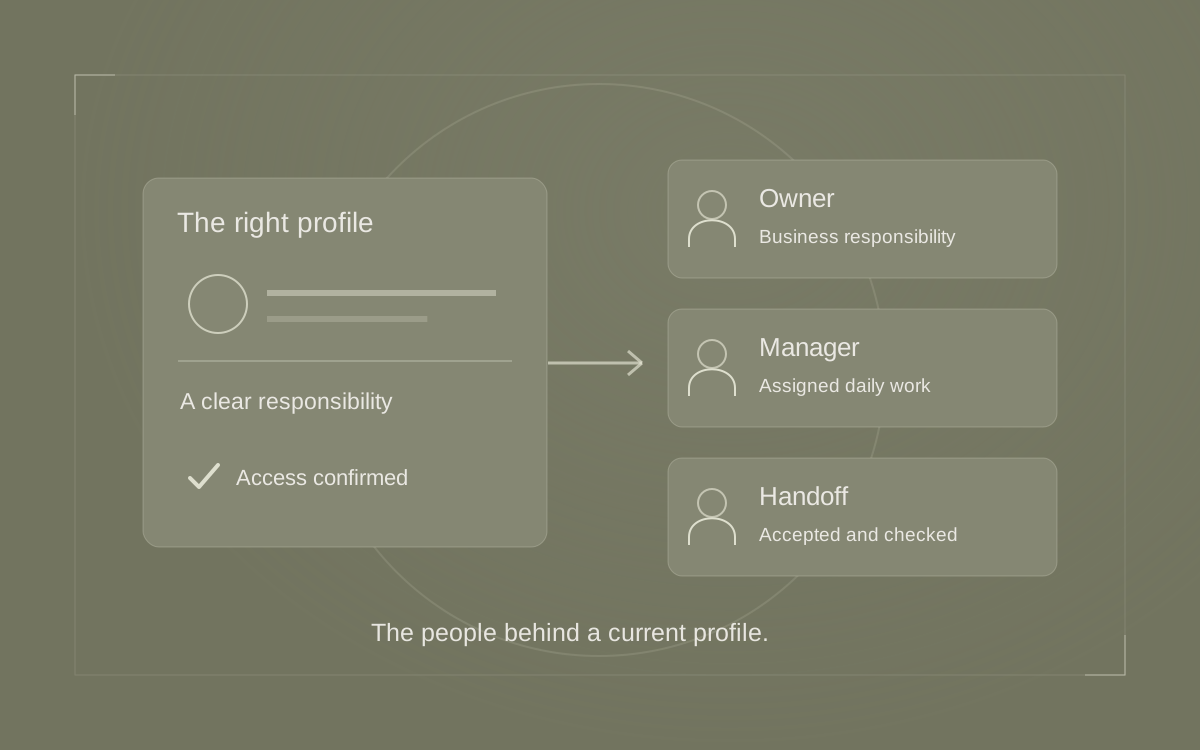
Start with the business named on the profile. A brokerage office, an individual agent and a lending office may share a building without sharing the same availability. Confirm whose schedule you are editing and who can approve it.
Google’s business representation guidelines call for regular customer-facing operating hours and say that businesses operating only by appointment should not provide hours. That matters when an agent works flexible evenings but the brokerage reception desk closes at five.
Ask one practical question: what can a client reasonably expect during the hours displayed here? If the answer is “someone might check email,” reconsider whether those hours accurately represent the business. A website accepting inquiries overnight does not establish round-the-clock availability for the underlying service.
Use the broader real estate profile guide if the identity or location arrangement needs attention. This holiday review starts with an existing, appropriate profile.
Handle appointment-only availability accurately
For an appointment-only practice, explain the booking process on the website page linked from the profile. State how someone requests a meeting, whether that request still needs confirmation, and how holiday absences affect replies. Use language that matches your actual process.
Google’s hours-editing instructions include Open with no main hours under Edit profile → Hours. Review that option when published weekly hours do not fit the business. Do not invent opening hours simply to make another feature available.
A fictional agent’s website notice might say: “Meetings are arranged by appointment. Requests submitted November 26–27 will be reviewed when the office returns November 30. Please wait for confirmation before visiting.” Use those dates only if they describe the actual schedule, and make sure existing clients know the agreed contact process for their ongoing work.
Also check the booking tool itself. A notice cannot prevent a misunderstanding if the calendar still offers an in-person appointment during the absence.
Prepare one approved holiday schedule
Before editing anything, ask the person responsible for staffing to approve the dates and times. Record the office location, local time zone, public hours, appointment arrangements and next ordinary business day. Keep internal coverage notes separate from the public message.
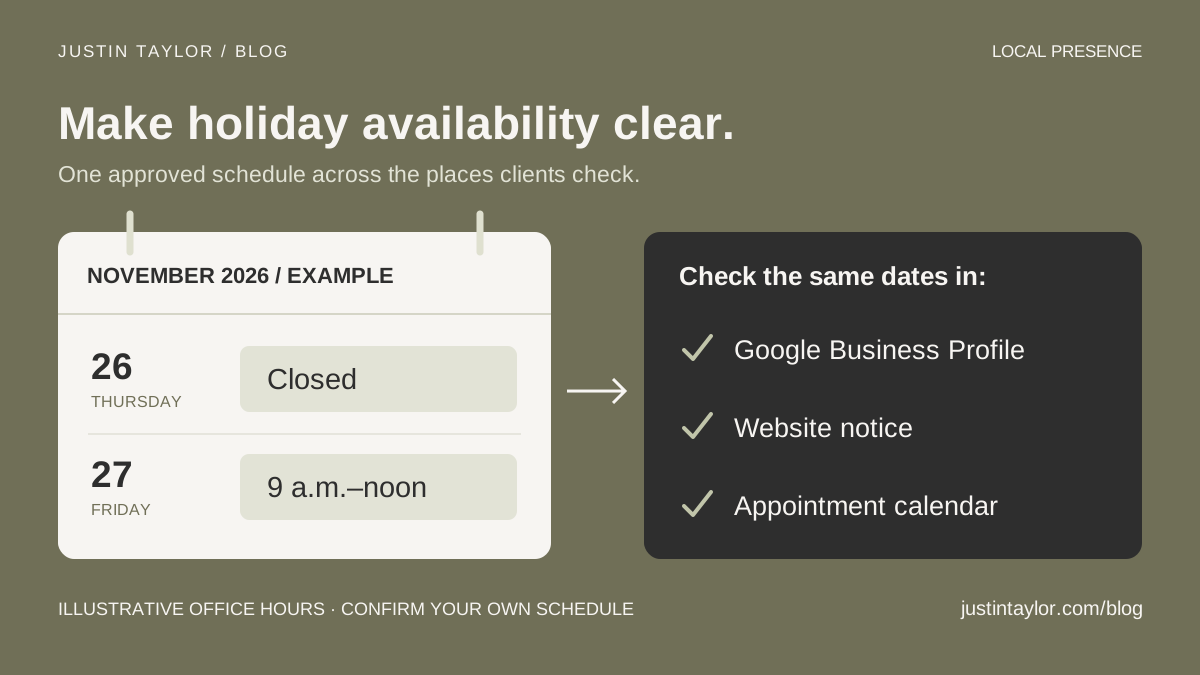
Consider this hypothetical office, normally open Monday through Friday from 9 a.m. to 5 p.m. It plans one closed day and one shorter day in November 2026. These are illustrative hours, not Justin’s or any named business’s schedule.
| Date | Approved office schedule | Client-facing check |
|---|---|---|
| Thursday, November 26 | Closed | No office visits offered in the booking calendar. |
| Friday, November 27 | 9 a.m.–noon | Website notice and appointment options match the shorter day. |
| Monday, November 30 | Ordinary 9 a.m.–5 p.m. schedule | Confirm normal availability and remove expired notices. |
Give every person making an update the same approved record. An assistant editing Google, a website provider changing a notice and a colleague managing appointments should not have to interpret three different email threads.
If several offices are involved, prepare a separate record for each location. One office’s closure does not establish the schedule for the whole organization.
Set Special hours for a short office schedule change
Google’s Special hours instructions cover temporary adjustments and closures of up to six consecutive days. The profile must use Open with main hours for special hours to display. This is why the appointment-only decision comes first.
- Open the Business Profile and choose Edit profile → Hours.
- Edit Special hours and select the date. Use Review for a suggested date or Add a date for another one.
- Mark a closed date as Closed. For an open date, clear that checkbox and enter its opening and closing times.
- Save and check each date against the approved schedule.
Google also recommends confirming official holiday hours when they match the normal schedule. The date-specific entries let you preserve the ordinary weekly pattern.
For an extended, indefinite or seasonal closure, consult Google’s closure guidance and review the appropriate status. The example here concerns a brief holiday interruption, not a business closing permanently.
Align the other places clients check
Follow the route from the Google listing to a real appointment. Open its website link, find the contact instructions and preview the booking experience. Then review the confirmation message a client would receive.
- Website: place a dated notice where visitors look for office or contact information. Include the time zone when people may be arranging travel.
- Booking calendar: remove unavailable slots and check the location attached to any remaining appointments.
- Phone: review the greeting and the actual process for responding to messages.
- Team communication: identify who handles questions and what the team can accurately promise about replies.
A lender’s office might close while a specific contact remains available by prior arrangement. Explain that arrangement directly to the affected clients. Avoid turning limited coverage into a public promise that every request will receive an immediate response.
If this review uncovers broader inconsistencies, use the local citation audit to prioritize the places clients actually use. Keep the holiday task focused enough to finish before the schedule changes.
Verify the public result and leave a handoff
Saving a change is one step in the process. Google’s edit-status guidance distinguishes accepted, pending and unapproved edits. Review can take time, so prepare updates ahead of the affected dates and check their status.
Have a colleague inspect the public profile in Search or Maps, along with the linked page, on a phone. Ask them to answer: “Can I visit on this date? How do I arrange a meeting? When should I expect a reply?” Note any conflicting answers or information that is still awaiting approval.
Record the submitted dates, the person who checked them, the public result and the next review. If access is missing, use the profile access checklist to arrange an authorized handoff.
Finally, assign someone to check the first ordinary business day afterward. Remove expired website notices, review the phone greeting and confirm that the booking calendar has resumed its intended availability. Justin’s Google Business Profile support helps real estate professionals connect accurate profile information with a clearer client experience.
Sources & further reading
Platform guidance and research referenced in this article. Reviewed November 4, 2026.
- Semrush: Google My Business — a guide to Google Business Profile, dated October 26, 2026
- Google: Guidelines for representing your business — business hours
- Google: Edit your business hours
- Google: How to set Special hours
- Google: Mark your business as closed
- Google: Understand what happens to your Business Profile edits

Growth & Strategy Manager at Inspire Title Team | WFG Title. Marketing and AI guidance for real estate professionals.