

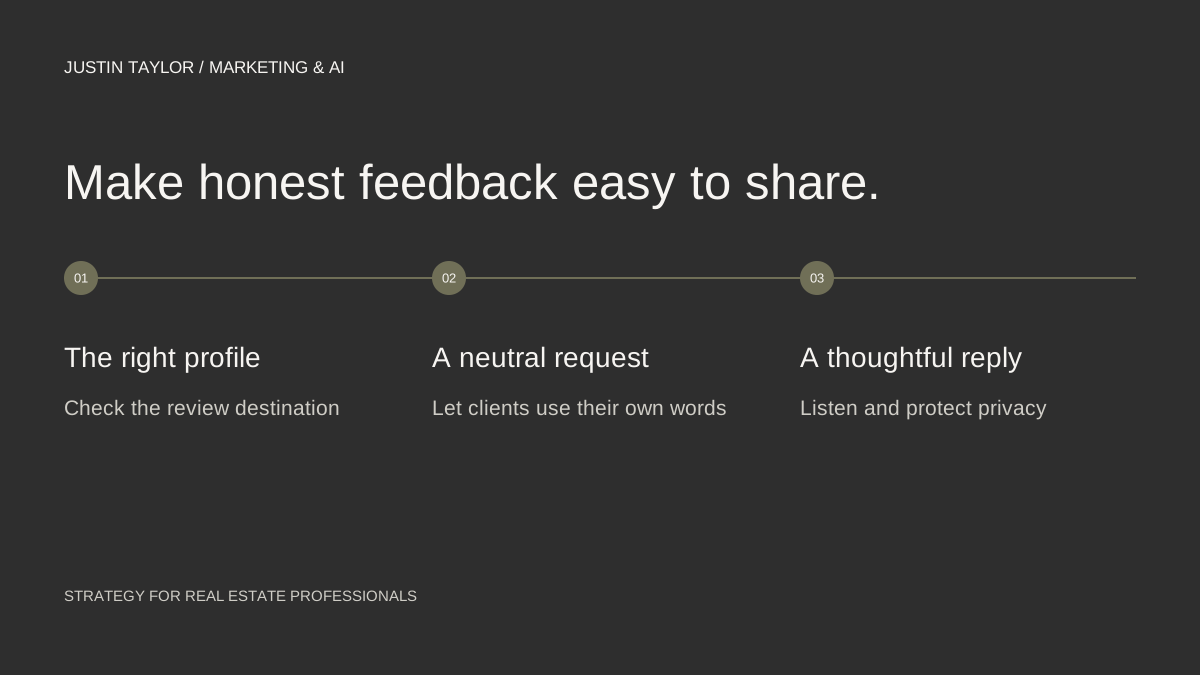
A review request works best when it is a normal part of your client communication. Make it easy for someone to find the correct profile, ask for an honest account of their experience and leave the wording and rating to them.
For a real estate team, the first decision is who owns that process. Without a clear owner, a client may receive several requests from different people, or no request at all. A short shared routine helps keep the experience consistent.
Start with the right business profile
Check the public name, contact information and website on the profile before sharing it. A review intended for an individual agent should not accidentally go to an unrelated office or an outdated business listing.
If you are unsure whether the agent, team or brokerage should have a separate profile, review the eligibility and practitioner guidance first. The Google Business Profile guide for agents provides the starting points. Creating extra profiles just to collect reviews creates confusion rather than a clearer local presence.
Get your direct Google review link
- Sign in to the Google account that manages the correct Business Profile.
- Open your Business Profile and select Read Reviews.
- Choose Get more reviews and copy the review link.
- Test the link to confirm it opens the intended business before adding it to your message template.
- If you want a QR code, use a computer browser and save the code from the same sharing area.
Google documents that sequence in its review-link and QR-code instructions. Keep the tested link in a shared location so the team uses the same destination.
Write a neutral request
SAMPLE MESSAGE
Thank you for working with [name/team]. If you would like to share your experience, you can leave an honest Google review here: [review link]. Your feedback is appreciated.
Adapt the greeting and sign-off to the relationship, but let the client decide what to say. Do not give them a finished review to paste, a required phrase or a requested star rating.
Google’s review policies prohibit incentives, selective requests for positive reviews and attempts to dictate specific review content. Avoid a process that sends only satisfied clients to Google while routing other clients to a private form. Honest feedback should not depend on a satisfaction-screening step.
A gift card, discount or giveaway entry in exchange for a review is still an incentive even if you ask for an honest review. Keep appreciation for a client separate from the decision to leave public feedback.
Make the routine simple for the team
Choose an appropriate point after a genuine service experience and apply the same approach consistently. Assign one person to send the request. Record the date and the profile used so another team member does not repeat the message accidentally.
If you choose to follow up, keep it brief and stop when the person declines or does not engage. The request should feel optional. Do not make completion of a review a condition of receiving a document, resource or continued assistance.
Keep review-request tracking separate from the content of the public review. The purpose of the record is to manage communication, not to pressure people for a particular result.
Respond without exposing the transaction
Read the review before replying. Acknowledge the feedback in plain language and avoid revealing private details about the client, property or transaction. Google’s review-response guidance recommends professional, relevant replies and moving complex concerns into a private conversation.
For a positive review, a short specific thank-you is enough. For a concern, acknowledge it and provide a suitable way to continue the conversation. Do not turn the reply into an argument or a list of keywords about your city and services.
If a review appears to violate Google’s policies, use the reporting process and explain the relevant policy issue. Disagreeing with a review does not itself establish that Google should remove it.
Use feedback to improve your explanations
During a monthly review, look for recurring questions about communication, preparation or expectations. Those themes can help improve a consultation checklist or suggest a useful article. Discuss patterns without republishing private client information.
Also test the review link after a profile change and check that your website still points to the correct listing. Use the local-profile audit to keep those details aligned. The objective is a reliable process for genuine feedback, not a promise that a certain number of reviews will produce a particular ranking.
Sources & further reading
Platform guidance and research referenced in this article. Reviewed September 27, 2026.

Growth & Strategy Manager at Inspire Title Team | WFG Title. Marketing and AI guidance for real estate professionals.