
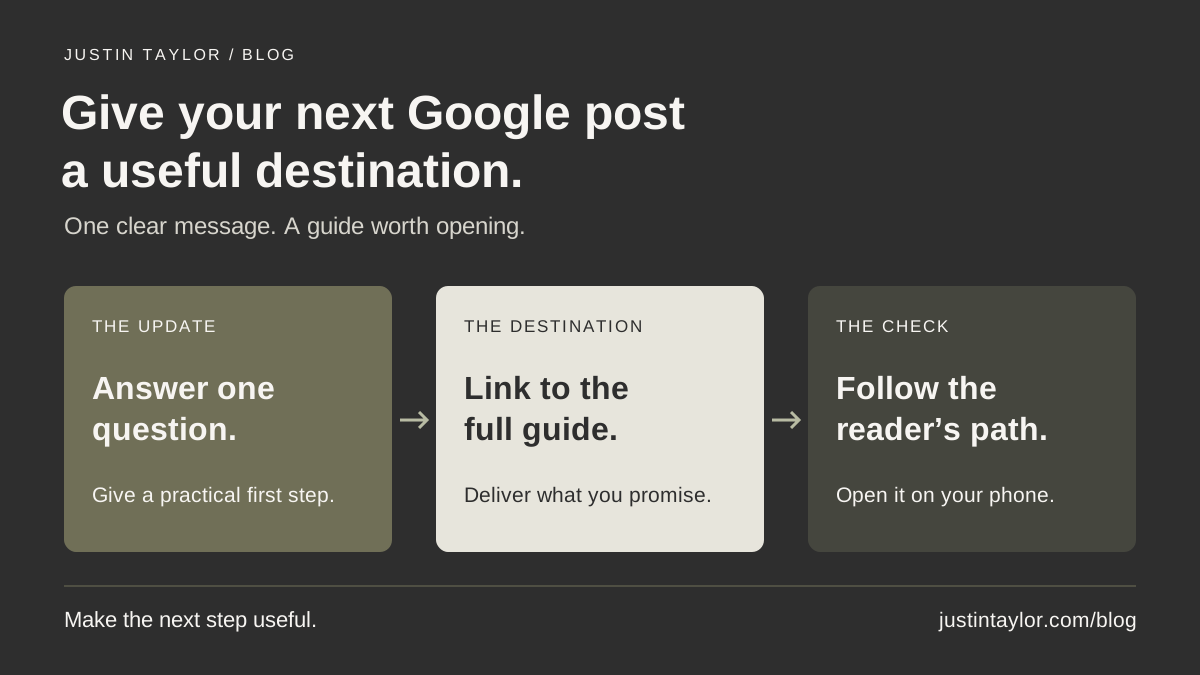
A useful Google Business Profile post gives someone one reason to take the next step. For a real estate agent, that can mean sharing a practical point from an existing article and linking directly to the full guide. Choose one client question, write a short answer, add a relevant visual and test the complete path on a phone.
The result should help a person who is already researching your business. Publishing more updates is not a guarantee of better rankings or more inquiries. Start with a resource worth visiting and make its value clear.
Semrush’s Business Profile guide, updated October 26, 2026, includes linking to recent blog articles as a use for posts. This guide develops that idea into an editorial workflow for an agent or team, using current Google instructions reviewed November 20.
Choose one answer your audience can use
Look through the questions that come up before appointments. Which answer already has a clear, current home on your website? A post is easier to write when the destination is finished and you know exactly what the reader will find there.
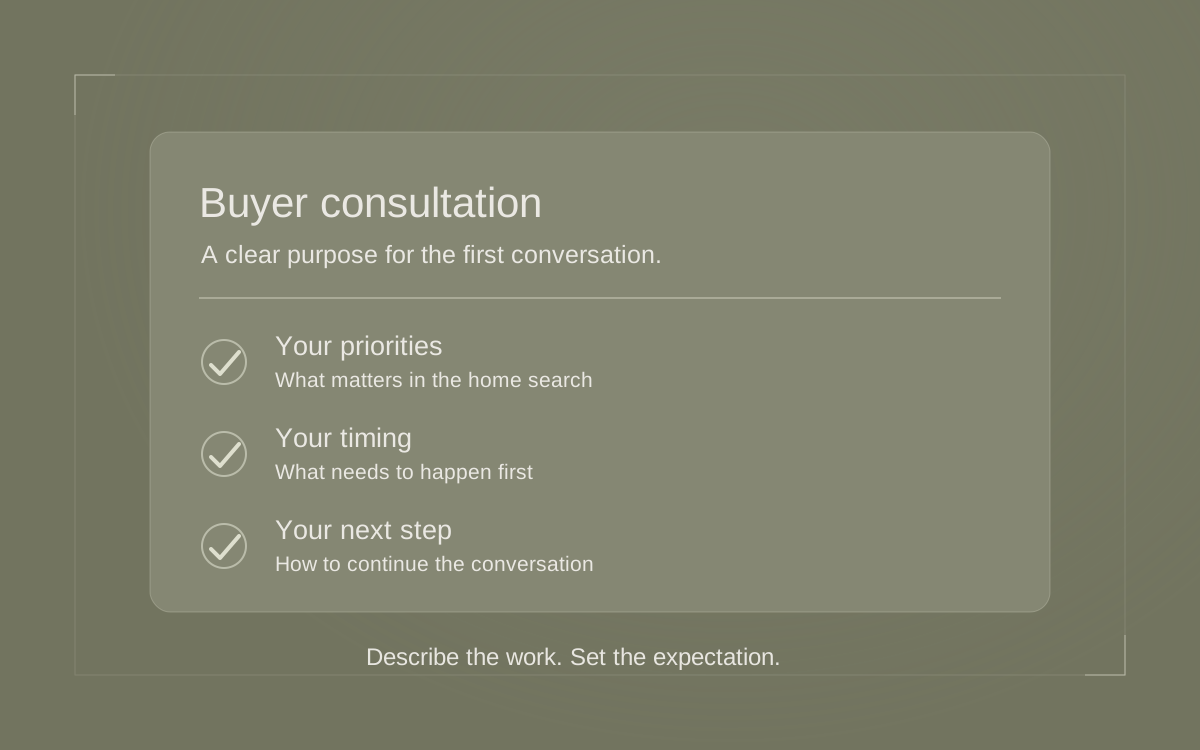
For example, a fictional Mesa team might have a guide called “What to Check Before a Second Home Visit.” It helps buyers return with notes from the first visit, identify measurements they still need and prepare questions for their agent. That is a concrete resource to introduce. “We help you find your dream home” gives someone much less to act on.
Other starting points include preparing questions for a listing conversation, organizing a home-tour checklist or researching public amenities. If you choose a community guide, review the actual information before promoting it. The community-page guide explains how to build a resource around verified local details.
Plan the post and destination together
Before opening the publishing controls, complete a small planning record. This keeps the person writing the post and the person maintaining the website aligned. The following example is illustrative; it does not describe a published client campaign.
| Decision | Example for the Mesa team |
|---|---|
| Reader’s task | Prepare for a second visit to a home. |
| Useful takeaway | Separate unanswered questions from details already checked. |
| Website destination | The team’s complete second-visit guide. |
| Visual | An original checklist graphic with three readable prompts. |
| Next step | Read the guide, then organize questions before the visit. |
| Review owner | The team member responsible for the guide and its link. |
Read the destination before approving the post. If the article only explains measurements, do not promise a complete home-buying checklist. If it references an old service or unavailable download, fix the resource first. A precise introduction protects the reader from an unnecessary detour.
Write a short update with substance
Use three parts: name the situation, offer one useful idea and explain what the full guide adds. Write in the voice you would use when introducing the resource to a client. There is no need to squeeze every paragraph of the article into the post.
ILLUSTRATIVE UPDATE
Heading back for a second look at a home? Bring your first-visit notes and separate what you already checked from what you still need to confirm. Our second-visit guide helps you organize measurements, practical questions and observations to discuss with your agent. Read the checklist before your next visit.
This example gives a useful action before asking for a click. It also explains why the longer guide exists. Adapt it only if your own article delivers those details; replace “our” with language that fits the business represented by the profile.
Avoid an opening built from a list of cities, repeated service phrases or an unsupported claim about being the leading agent. Those words take space away from the answer. Read the draft aloud and remove anything you would need to explain or qualify immediately afterward.
Prepare a visual that reinforces the point
Choose an image you have permission to use that fits the lesson. For the second-visit example, an original checklist with “Measure,” “Ask” and “Confirm” can communicate the idea without exposing a client’s notes or suggesting that a particular property is available.
If using photography, keep the subject obvious at a small size. A desk with a notebook and measuring tape may fit better than an unrelated exterior. Avoid cramming a full article, several logos and contact details into one image. The graphic should support the written message.
Review the crop in the published result. Check that essential text remains readable and that a face, object or heading has not been awkwardly cut off. The Business Profile photo checklist covers the broader review of imagery associated with your business.
Google’s posts content policy says it may remove posts containing unverified contact details, including phone numbers, email addresses and social handles. For this educational update, keep the message focused and put the guide destination on its action button.
Publish the update on the correct profile
Use the profile your team is authorized to manage. Check its business name and location before proceeding, especially when the same person manages an agent profile and a brokerage profile. The profile-access checklist can help clarify responsibility.
Google’s current publishing instructions support an Update with text, imagery and a linked action button:
- Open your Business Profile and select Posts, then Add post.
- Choose Update and add your prepared text and visual.
- Add an appropriate button and the direct guide URL. For this example, use Learn more if offered.
- Select Post. If asked about additional profiles, choose Skip to keep it on the single profile.
After submission, Google reviews the content. Live means public; Pending can indicate processing or an unverified profile. For Not approved, check the policy explanation beside the status before revising. The linked instructions explain these states.
Follow the reader’s path on a phone
Once the update is live, inspect the public profile rather than relying only on the editing screen. Read the opening, check the image and follow the button. Does it open the exact guide promised in the post?
Continue through the article. Confirm that its title matches the subject, the checklist is readable and the next step is appropriate. A reader looking for a preparation guide should reach the explanation easily. Avoid making them search a general homepage for the resource you just described.
Ask a colleague to complete the same check without coaching. Have them explain what they expected and what they found. If the post promises printable notes but the page has none, revise the promise or finish the resource. Record the correction so the same mismatch does not appear in another channel.
Keep a small record and revisit the resource
Save the post date, profile, destination, approved copy and responsible person in your content record. Add a review reminder when the guide contains details likely to change. A service change or replaced download is a reason to revisit both the page and its promotion.
For an existing post, Google documents editing through Posts → More → Edit. Use that route when a correction is needed, then check the public result again. Do not repeatedly publish the same message to compensate for a broken destination.
When reviewing the effort, distinguish a functioning post from evidence that it helped someone. Note meaningful reader questions or measured visits if you already have suitable reporting. The profile analytics guide explains the surrounding measurement work. A single observation is not enough to claim a trend.
Begin with one guide you are confident sharing. A clear introduction, a useful destination and a working button give the person researching your business a practical way to explore your expertise.
Sources & further reading
Platform guidance and research referenced in this article. Reviewed November 20, 2026.

Growth & Strategy Manager at Inspire Title Team | WFG Title. Marketing and AI guidance for real estate professionals.